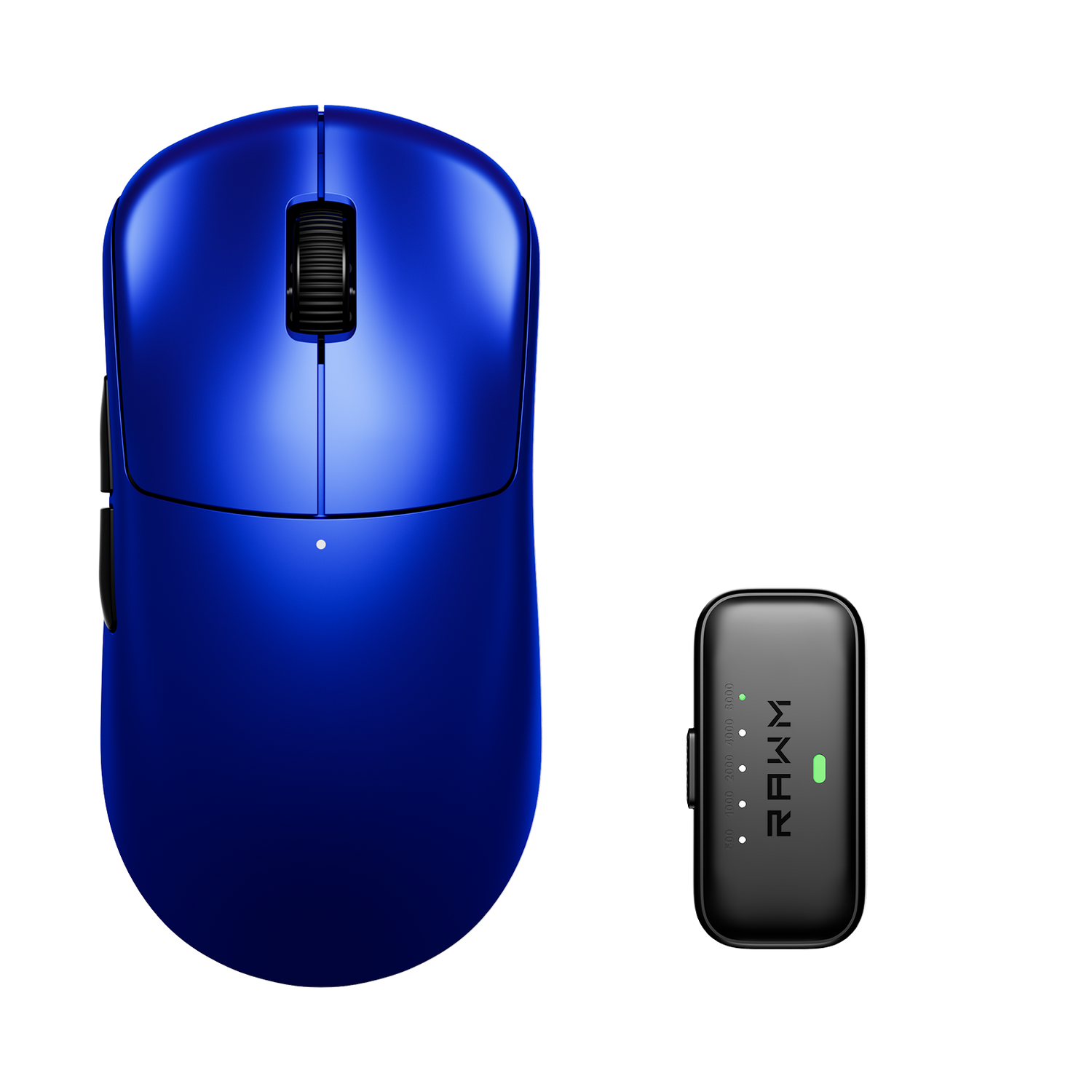
Are console players switching to mice?
- Modern Consoles Now Support Mouse and Keyboard
- FPS Players Often Prefer Mouse Precision
- Controllers Still Have Important Advantages
- Crossplay Changed Player Expectations
- Some Games Handle Mouse Input Better Than Others
- Comfort and Familiarity Still Matter Most
- Console Gaming Is Becoming More Flexible Overall

For years, console gaming was almost entirely associated with controllers. Whether it was casual gaming on a couch or competitive multiplayer matches, controllers defined the console experience. But over the past few years, more console players have started experimenting with keyboards and mice, especially in shooters and competitive online games.
This shift has created constant debate within gaming communities. Some players believe mouse input offers major advantages, while others prefer the simplicity and comfort of traditional controllers. The reality is that both input styles now coexist on modern consoles more than ever before.
The question is no longer whether mice work on consoles—it’s why more players are starting to use them.
1. Modern Consoles Now Support Mouse and Keyboard
One major reason for the shift is simple: modern consoles finally support mouse input properly.
Systems like:
-
PlayStation 5
-
Xbox Series X
allow mouse and keyboard support in a growing number of games.
This support is especially common in:
-
FPS games
-
Survival games
-
Cross-platform multiplayer titles
As developers continue pushing crossplay between PC and console communities, mouse support has naturally become more common.
For many players, plugging a mouse directly into a console is now much easier than it used to be.
2. FPS Players Often Prefer Mouse Precision
The biggest advantage of a mouse is aiming precision.
In competitive shooters, a mouse allows:
-
Faster flicks
-
More precise tracking
-
Easier recoil control
-
Greater sensitivity customization
This is one reason many players transitioning from PC gaming feel more comfortable using a mouse on console.
Games with crossplay have also influenced this trend because console players increasingly compete against PC players using mouse and keyboard setups.
As a result, some players switch simply to remain competitive.
3. Controllers Still Have Important Advantages
Despite the growth of mouse usage, controllers remain extremely popular.
Controllers still offer:
-
Better comfort for couch gaming
-
Analog movement control
-
Simpler setup
-
Strong aim assist support in many games
For genres like:
-
Racing games
-
Sports games
-
Action-adventure titles
controllers are still preferred by most players.
Even in competitive shooters, many top console players continue using controllers successfully due to strong aim assist systems and years of developed muscle memory.
4. Crossplay Changed Player Expectations
Cross-platform gaming has blurred the line between PC and console ecosystems.
Previously, console players mostly competed only against other controller users. Now, many multiplayer games mix:
-
PC players
-
Console players
-
Mouse users
-
Controller users
This has changed how players think about input devices.
Some console users feel pressure to experiment with mouse setups because they perceive mouse aiming as faster or more accurate in competitive situations.
Whether that advantage is truly overwhelming depends heavily on the game itself.

5. Some Games Handle Mouse Input Better Than Others
Not every console game supports mouse input equally well.
Some games offer:
-
Native mouse support
-
Full customizable settings
-
Smooth input behavior
Others may have:
-
Limited compatibility
-
Poor sensitivity scaling
-
Input lag issues
Because of this, the experience varies significantly between games.
A mouse setup that feels excellent in one title may feel awkward in another if the console implementation is poorly optimized.
6. Comfort and Familiarity Still Matter Most
Many players who try mouse and keyboard on console eventually return to controllers simply because they feel more natural.
Years of controller experience create strong muscle memory, and comfort matters during long gaming sessions.
Meanwhile, players coming from PC often adapt instantly to mouse controls because that input method already feels familiar.
Input preference is heavily influenced by:
-
Gaming history
-
Preferred genres
-
Desk setup
-
Comfort habits
There is no universal “better” option for everyone.
7. Console Gaming Is Becoming More Flexible Overall
The biggest change is not that controllers are disappearing—it’s that players now have more freedom to choose.
Modern gaming setups are becoming increasingly flexible:
-
Crossplay is common
-
Input options are expanding
-
Hardware boundaries are shrinking
Many users now switch freely between controller and mouse depending on the game they’re playing. Competitive players often focus more on responsiveness, consistency, and comfort rather than blindly following one input method. Some setups emphasize stable tracking and predictable input behavior through carefully balanced hardware environments like the Leviathan V4 while still keeping controller support available when preferred.
In the end, console gaming is no longer locked to a single control style.
Do you think competitive console games should fully support mouse and keyboard, or should controllers remain the standard experience?
>>See also Why Do Gamers Tape Their Mouse Buttons? >>>>>