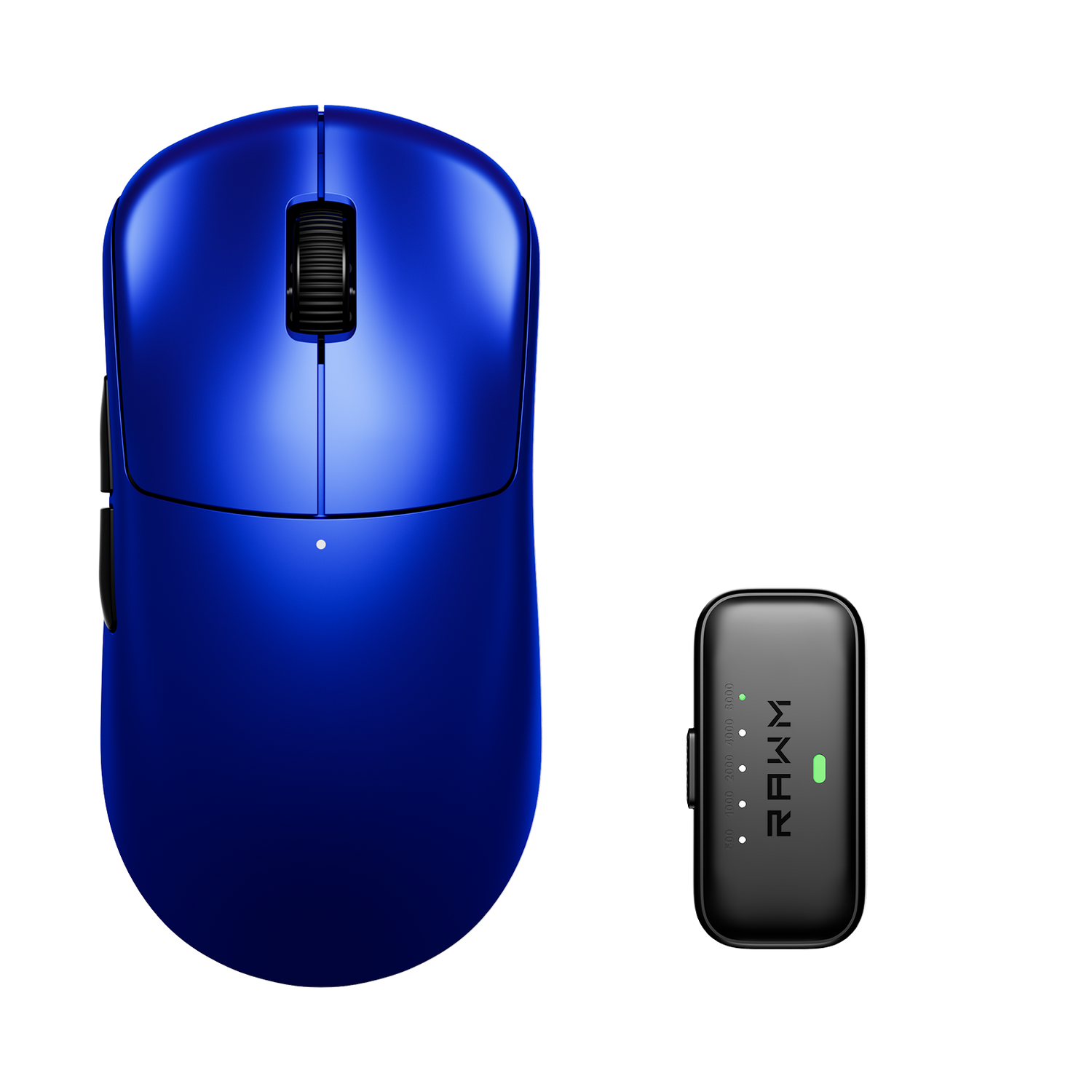
What is a honeycomb shell design?
- 1. What a honeycomb shell design actually is
- 2. Why honeycomb shell design became popular in gaming mice
- 3. How honeycomb shell design affects weight, balance, and control
- 4. Comfort, grip feel, and long-term use with a honeycomb shell design
- 5. Durability, cleaning, and real-world maintenance concerns
- 6. Who should choose a honeycomb shell design and who should not

Lightweight gaming mice have reshaped how players think about speed, comfort, and long-session performance, and the honeycomb shell design sits at the center of that shift. From competitive FPS players to casual gamers chasing smoother movement, the honeycomb shell design has become one of the most recognizable physical changes in modern mouse construction. Instead of a solid plastic top shell, this design uses a pattern of cut-out hexagonal or geometric holes to reduce weight while maintaining structural stability. The result is a mouse that feels faster, more agile, and less fatiguing over time, especially for players who rely on rapid flicks and constant micro-adjustments. Understanding how a honeycomb shell design works, why it exists, and who truly benefits from it helps you decide whether this style fits your playstyle or if a traditional shell still makes more sense.
1. What a honeycomb shell design actually is
A honeycomb shell design refers to a mouse housing structure where parts of the outer shell are removed in a repeating pattern, most commonly hexagonal. This pattern is not chosen randomly. Hexagonal geometry distributes force efficiently, allowing manufacturers to remove material without making the shell feel fragile or hollow.
By removing excess plastic from non-critical areas, a honeycomb shell design reduces overall mouse weight without shrinking the mouse itself. This allows players with larger hands or palm and claw grips to enjoy a full-size shape while still benefiting from an ultra-light feel. Unlike simply thinning the plastic, which can cause flex or creaking, the honeycomb pattern preserves rigidity where pressure is applied most.
Another often overlooked benefit of a honeycomb shell design is airflow. The openings allow heat and moisture to escape, which can reduce sweat buildup during long gaming sessions. While this may sound minor, grip stability matters when precision aiming depends on consistent contact with the mouse surface.
Importantly, a honeycomb shell design does not automatically mean low quality. When engineered properly, it can feel just as solid as a closed shell, with the weight reduction being the primary noticeable difference rather than any compromise in durability.
2. Why honeycomb shell design became popular in gaming mice
The rise of competitive FPS titles pushed players toward lighter mice. As aim training became more refined and mouse control more analytical, weight emerged as a key variable affecting fatigue, tracking consistency, and flick accuracy. A honeycomb shell design offered a clear solution: cut weight without sacrificing size or sensor placement.
Early lightweight mice often achieved lower weight by shrinking the body, which alienated players with medium to large hands. The honeycomb shell design changed that by separating size from mass. Players could keep familiar ergonomics while gaining the benefits of a lighter device.
Marketing also played a role. The honeycomb look quickly became associated with performance-focused gear. The visual immediately signals “lightweight” and “competitive,” making it easy for players to identify mice designed for speed rather than office use.
Over time, improvements in materials and internal frame engineering made the honeycomb shell design more refined. Modern versions no longer feel experimental; they are mainstream, reliable, and widely adopted across different price tiers.
3. How honeycomb shell design affects weight, balance, and control
The most obvious effect of a honeycomb shell design is reduced weight. Many mice using this approach drop below 70 grams, with some pushing even lower. Less mass means less force required to start and stop movement, which directly affects aim responsiveness.
Balance is equally important. Removing shell material changes weight distribution, and good designs compensate by reinforcing internal frames or adjusting battery and PCB placement. A well-executed honeycomb shell design feels centered, not front-heavy or hollow toward the rear.
Control improves differently depending on playstyle. Low-sensitivity players who use large arm movements often appreciate how a honeycomb shell design reduces fatigue over long sessions. High-sensitivity wrist players benefit from faster micro-corrections and reduced inertia when snapping between targets.
That said, extremely light mice are not automatically better for everyone. Some players prefer a small amount of resistance to stabilize aim. The honeycomb shell design amplifies responsiveness, which can feel twitchy to users who rely on weight for control. This makes personal preference and game genre important factors.
4. Comfort, grip feel, and long-term use with a honeycomb shell design
Comfort is one of the most debated aspects of a honeycomb shell design. Some players love the textured feel and added ventilation, while others dislike the sensation of holes under their fingers. This reaction often depends on grip style.
Fingertip and claw grip users typically adapt quickly. Their fingers rest on fewer surface areas, making the holes less noticeable. Palm grip users may be more sensitive, especially if the cutouts are large or placed where the hand applies pressure.
Over long sessions, the reduced weight of a honeycomb shell design often leads to less strain in the wrist and forearm. This is especially noticeable in games that demand constant movement rather than short bursts of action. However, users who grip very tightly may feel pressure points if the shell edges are not well rounded.
Build quality matters greatly here. Premium honeycomb designs smooth the edges and reinforce stress zones, preventing discomfort. Lower-quality implementations may feel sharp or uneven, which can ruin the experience despite the weight advantage.
5. Durability, cleaning, and real-world maintenance concerns
One common concern with a honeycomb shell design is durability. Many players worry that removing shell material makes the mouse more fragile. In practice, durability depends more on internal frame construction than on the presence of holes. Well-designed honeycomb mice withstand daily use, travel, and even occasional drops.
Dust and debris are another consideration. Openings can allow particles to enter the shell, but modern mice typically shield critical components beneath an internal layer. Regular cleaning with compressed air is usually enough to keep a honeycomb shell design in good condition.
Spill resistance is weaker compared to sealed shells, so care is needed around liquids. However, this risk is manageable with basic awareness and does not outweigh the performance benefits for most competitive players.
Some models, such as the RAWM SL01C, combine a refined honeycomb shell design with reinforced internals, showing that lightweight construction and long-term reliability can coexist when engineered properly.
6. Who should choose a honeycomb shell design and who should not
A honeycomb shell design is best suited for players who prioritize speed, low fatigue, and quick responsiveness. Competitive FPS gamers, aim trainers, and users who play long sessions often see the biggest benefits.
It is also ideal for players who want a full-size mouse without the weight traditionally associated with larger shells. The design allows comfort and performance to coexist rather than forcing a compromise.
On the other hand, players who prefer heavier mice for controlled tracking, or who dislike textured surfaces under their palm, may not enjoy a honeycomb shell design. Productivity users and MMO players who value a solid feel over raw speed may also lean toward closed shells.
Ultimately, a honeycomb shell design is not a universal upgrade. It is a targeted solution for specific needs, and knowing those needs makes the decision far clearer.
Do you prefer the ultra-light responsiveness of a honeycomb shell design, or does a solid shell give you better control and confidence in your gameplay?
>>See also Can I clean optical sensor with compressed air? >>>>>