What is motion sync in wireless mice?
- What motion sync in wireless mice actually means
- Why motion sync in wireless mice was introduced
- How motion sync in wireless mice affects tracking behavior
- Motion sync in wireless mice and input latency
- When motion sync in wireless mice matters most
- Motion sync in wireless mice as part of overall mouse design
- Should motion sync in wireless mice be enabled by default?

1. What motion sync in wireless mice actually means
Motion sync in wireless mice refers to a timing mechanism that aligns sensor data output with the mouse’s polling rate. Every mouse sensor captures movement continuously, but data is only sent to the computer at fixed intervals, such as 500Hz or 1000Hz. Without motion sync, these two processes operate independently, which can cause slight timing mismatches between when movement is detected and when it is reported.
When motion sync in wireless mice is enabled, the sensor waits and delivers movement data precisely in step with each polling interval. This synchronization helps ensure that every report contains the most up-to-date sensor information rather than a partially outdated sample. The goal is consistency, not speed, and it focuses on reducing variance rather than increasing responsiveness.
2. Why motion sync in wireless mice was introduced
As wireless mouse technology evolved, polling rates increased and sensors became more precise. These improvements made even small timing inconsistencies more noticeable, especially for players using low sensitivity or high-resolution displays. Motion sync in wireless mice emerged as a response to this problem.
Instead of allowing sensor data to be captured at arbitrary points in time, motion sync coordinates sensor output with report timing. This reduces micro-level irregularities that can appear as jitter or uneven tracking. Motion sync in wireless mice is best understood as a refinement layer added on top of already capable hardware.
3. How motion sync in wireless mice affects tracking behavior
The most noticeable effect of motion sync in wireless mice is smoother tracking during slow or controlled movements. When moving the mouse gradually, especially during aim adjustments or precision tasks, synchronized reports can feel more stable and predictable.
For fast flicks, motion sync in wireless mice rarely changes the experience in a noticeable way. High-speed movements already overwhelm minor timing differences. Where motion sync shines is in maintaining consistent line quality during sustained motion, which matters more for players who rely on muscle memory and steady crosshair placement.
4. Motion sync in wireless mice and input latency
A common concern is whether motion sync in wireless mice increases latency. Technically, synchronization can introduce a very small delay because the sensor waits for the next polling window before sending data. In practice, this delay is extremely small and well below what most players can perceive.
For many users, the trade-off favors consistency over theoretical speed. Modern wireless implementations are already fast enough that this added delay does not negatively impact gameplay. This is why motion sync in wireless mice is often enabled by default on higher-end models without compromising responsiveness.
5. When motion sync in wireless mice matters most
Motion sync in wireless mice tends to benefit specific playstyles more than others. Low DPI users, low sensitivity players, and those who make large arm movements often notice more consistent tracking when motion sync is enabled. These setups emphasize smooth motion over rapid directional changes.
Surface quality also plays a role. On uniform cloth mousepads, motion sync in wireless mice can help maintain steady tracking. On inconsistent or reflective surfaces, sensor noise may overshadow any synchronization benefits. Motion sync refines good conditions rather than fixing poor ones.
6. Motion sync in wireless mice as part of overall mouse design
Motion sync does not operate in isolation. Its effectiveness depends on sensor quality, firmware optimization, wireless stability, and polling accuracy. In well-designed mice, motion sync integrates seamlessly into the overall signal chain.
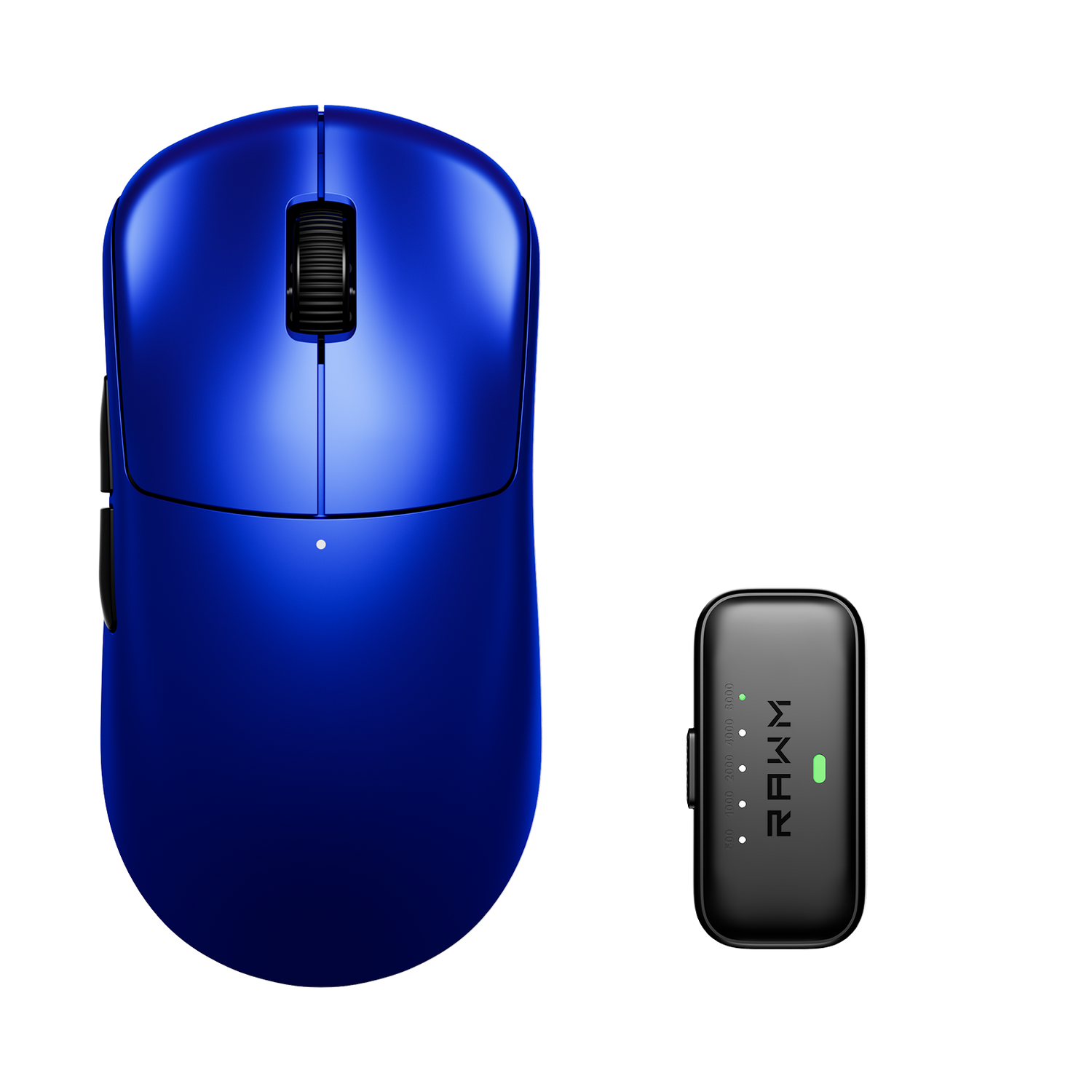
For example, in models like the RAWM Leviathan V4, motion sync is implemented alongside a high-end sensor and stable wireless performance, allowing synchronization to enhance consistency without introducing instability. In these cases, motion sync functions as a subtle but meaningful refinement rather than a headline feature.
7. Should motion sync in wireless mice be enabled by default?
There is no single correct setting for everyone. Many players leave motion sync in wireless mice enabled and never notice a downside. Others prefer disabling it to maintain a familiar feel across different devices or configurations.
The most reliable approach is personal testing. Enable motion sync in wireless mice for several sessions, then disable it and compare tracking smoothness and control. Focus on comfort and consistency rather than raw speed. If there is no noticeable difference, leaving it enabled is generally safe.
Motion sync in wireless mice is best viewed as a consistency-focused feature rather than a performance upgrade. It fine-tunes how movement data is delivered, helping reduce timing variance without changing your sensitivity or playstyle. For players who value predictability and smooth tracking, motion sync can be a worthwhile addition.
Do you prioritize consistency or raw responsiveness when tuning your mouse settings, and have you noticed any difference when experimenting with motion sync?
>>See also Why do some mice jitter on high DPI? >>>>>