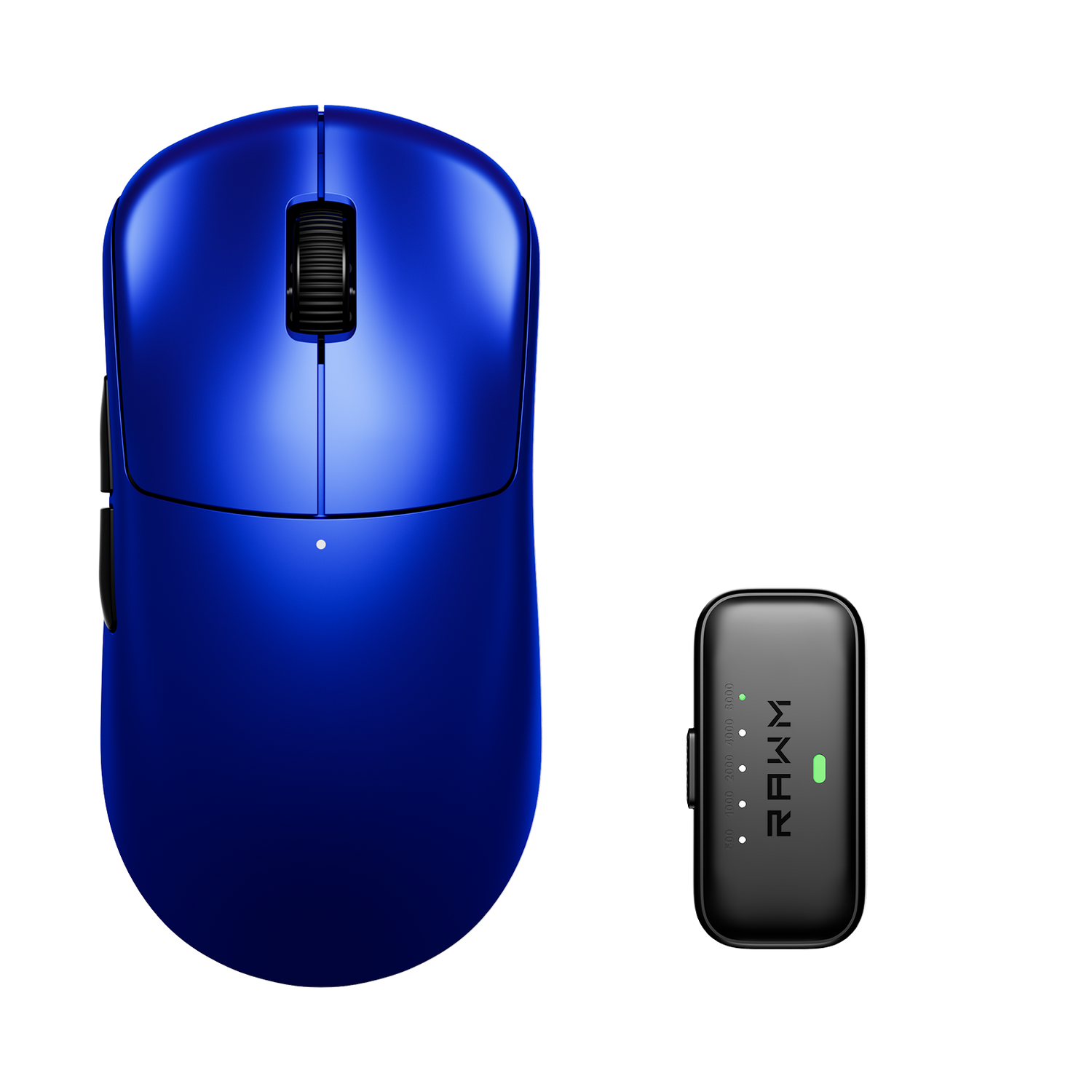
Should DPI and In-Game Sensitivity Match Across Games?
- DPI vs In-Game Sensitivity: What’s the Difference
- Why Matching Numbers Doesn’t Work
- What You Should Match Instead (cm/360)
- Keep DPI Consistent Across All Games
- Field of View (FOV) Changes Perception
- Game Engine and Input Differences
- Consistency Matters More Than Perfection

If you play multiple games, you’ve probably noticed that your aim can feel completely different even when using the same mouse and similar settings. This leads to a common question: should your DPI and in-game sensitivity match across every game?
The short answer is no—they don’t need to match numerically. What actually matters is consistency in how your mouse movement translates to on-screen movement. Matching numbers doesn’t guarantee matching feel, because each game handles sensitivity differently.
The goal isn’t identical settings—it’s consistent control.
1. DPI vs In-Game Sensitivity: What’s the Difference
DPI (dots per inch) is a hardware setting that determines how far your cursor moves based on physical mouse movement.
In-game sensitivity is a software multiplier applied on top of DPI. It adjusts how fast your view moves within a specific game.
These two values work together:
-
DPI = base sensitivity
-
In-game sensitivity = scaling factor
Because they interact, changing one affects the overall feel. But they are not standardized across games, which is why matching numbers doesn’t work.
2. Why Matching Numbers Doesn’t Work
Each game uses its own sensitivity scale.
A sensitivity value of “1.0” in one game could feel completely different in another. This is because developers use different formulas, field of view systems, and input processing methods.
Even if you copy your DPI and sensitivity values exactly, the result may still feel off.
That’s why focusing on numbers alone often leads to inconsistency rather than fixing it.
3. What You Should Match Instead (cm/360)
Instead of matching numbers, many players match physical movement.
A common method is cm/360 (centimeters per 360-degree turn). This measures how far you move your mouse on your desk to complete a full rotation in-game.
By matching this distance across games, you create consistent muscle memory.
For example:
-
If it takes 30 cm to turn 360° in one game
-
You aim to make it 30 cm in another
This approach works regardless of how each game handles sensitivity internally.
4. Keep DPI Consistent Across All Games
While in-game sensitivity can change, your DPI should usually stay the same.
Keeping DPI consistent helps maintain a stable baseline for all your games and desktop use.
Most players choose a DPI like:
-
400
-
800
-
1600
Then adjust in-game sensitivity per title to match their preferred feel.
Changing DPI frequently can disrupt muscle memory, so it’s better to lock it in.

5. Field of View (FOV) Changes Perception
Even if your cm/360 is identical, different FOV settings can make sensitivity feel different.
Higher FOV makes movement feel slower, while lower FOV makes it feel faster.
This is a visual effect, not a mechanical one, but it can still affect how your aim feels.
Matching FOV across games—when possible—can help reduce this perception gap.
6. Game Engine and Input Differences
Different games process mouse input in different ways.
Some use raw input with minimal processing, while others apply smoothing, acceleration, or filtering.
These differences can slightly change how your aim feels, even if your sensitivity is technically matched.
Because of this, perfect consistency across all games is impossible—but you can get very close.
7. Consistency Matters More Than Perfection
Trying to perfectly match every setting across games can become frustrating.
Instead, focus on building a setup that feels consistent and predictable. Keep your DPI fixed, adjust in-game sensitivity using cm/360, and give yourself time to adapt when switching games.
Many players also aim for stable input environments overall—consistent surfaces, reliable hardware, and smooth tracking—to reduce variability. Some setups emphasize this consistency by combining fixed sensitivity with dependable gear like the Leviathan V4 for more predictable control.
In the end, your muscle memory adapts to what feels consistent—not what matches numerically.
Do you currently adjust your sensitivity by feel, or have you tried matching it using cm/360 across different games?
>>See also Do I need surface tuning/calibration? >>>>>