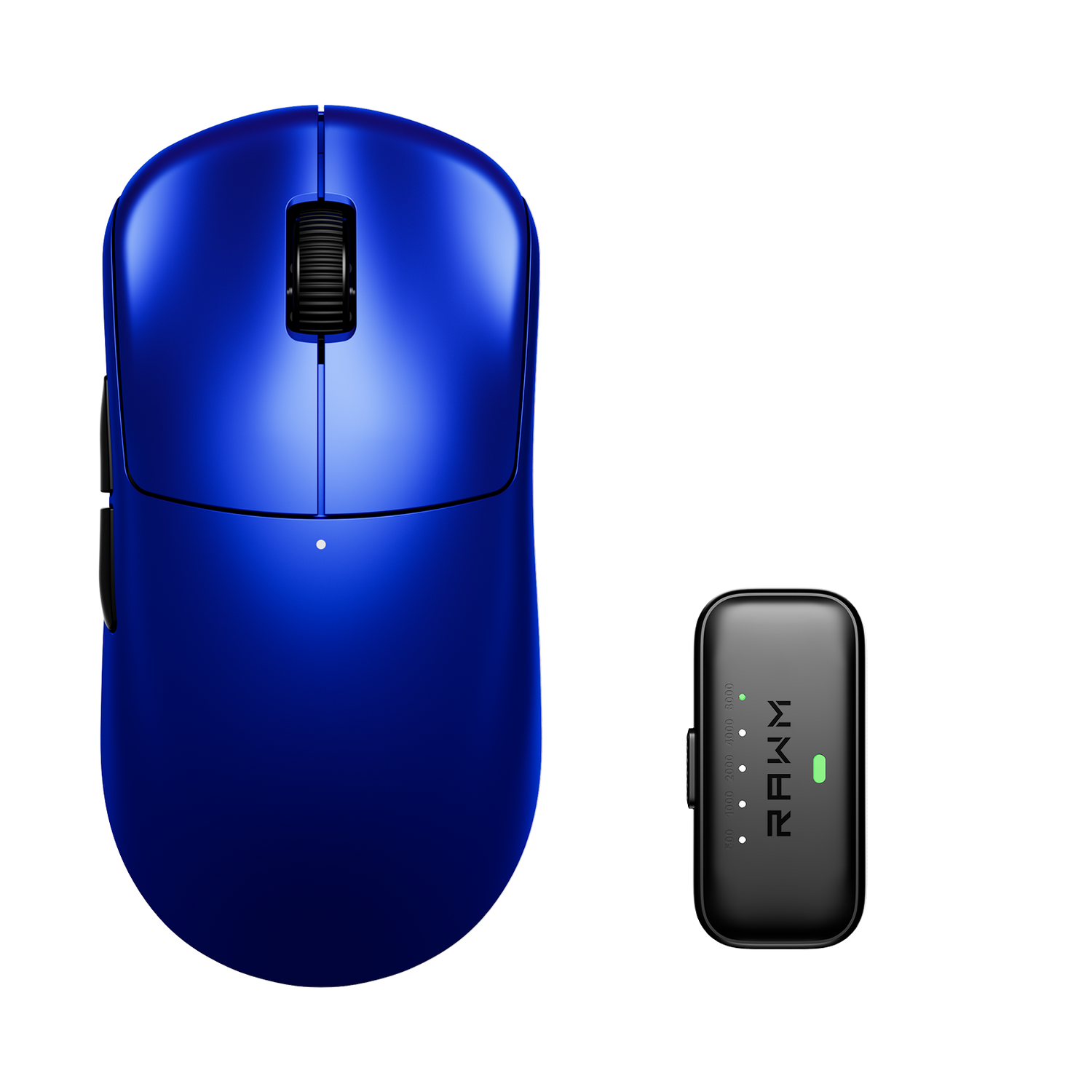
What mouse gives the best grip in sweaty hands?
- Matte Coatings Usually Work Better Than Glossy Finishes
- Shape Matters More Than Aggressive Texture
- Lightweight Mice Can Help Reduce Sweat Buildup
- Grip Tape Is Extremely Popular for Sweaty Hands
- Honeycomb Shells Help Some Players
- Mousepads Also Affect Grip Stability

Sweaty hands can completely change how a mouse feels during gaming or everyday use. A mouse that feels perfect at first may suddenly become slippery, unstable, or difficult to control after longer sessions. This is one reason grip quality matters far more than many people realize.
The best mouse for sweaty hands is not simply the one with the most aggressive texture. Comfort, coating quality, shape, ventilation, and grip style all affect how secure a mouse feels when your hands start warming up.
Different players also react differently to certain materials, which is why finding the right balance is more important than chasing a single “perfect” mouse.
1. Matte Coatings Usually Work Better Than Glossy Finishes
One of the biggest factors is the surface coating.
Glossy mice tend to become slippery quickly when moisture builds up. In contrast, matte coatings usually provide:
-
Better friction
-
More stable grip
-
Less visible sweat buildup
This is why many competitive gaming mice now avoid glossy finishes entirely.
A high-quality matte coating often feels more reliable during long sessions because it maintains grip consistency even as your hands warm up.
2. Shape Matters More Than Aggressive Texture
Many people assume rough texture automatically equals better grip, but shape often matters more.
A mouse that naturally fits your hand allows you to maintain control without squeezing excessively. This reduces:
-
Palm sweating
-
Finger fatigue
-
Grip instability
If the shape feels awkward, players often grip the mouse harder to compensate, which can actually increase sweating and discomfort over time.
Comfortable hand positioning is one of the biggest contributors to long-term grip stability.
3. Lightweight Mice Can Help Reduce Sweat Buildup
Heavy mice sometimes encourage tighter gripping and more arm tension during long sessions.
Lighter mice generally require:
-
Less effort to move
-
Less pressure to control
-
Reduced hand fatigue
This can indirectly help reduce sweat buildup during extended gameplay.
However, extremely lightweight mice are not always ideal for everyone. Some users prefer slightly heavier models because the additional stability helps them feel more controlled.
The key is finding a balance between comfort and effortless movement.

4. Grip Tape Is Extremely Popular for Sweaty Hands
Grip tape has become one of the most common solutions for sweaty-hand users.
It adds additional texture and friction to areas where fingers and palms contact the mouse. Benefits include:
-
Better control during flicks
-
Reduced slipping
-
More stable finger placement
Many players use grip tape even on already textured mice because it provides a more secure feeling during intense sessions.
Some mice now even include pre-cut grip tape in the box because demand has become so common.
5. Honeycomb Shells Help Some Players
Honeycomb mice are designed with open holes in the shell to reduce weight and improve airflow.
For sweaty hands, this design can help by:
-
Increasing ventilation
-
Reducing heat buildup
-
Allowing better airflow to the palm area
Some players love this feeling, while others dislike the texture of the holes against their fingers.
Because of this, honeycomb designs are highly preference-dependent rather than universally better.
6. Mousepads Also Affect Grip Stability
The mouse itself is only part of the equation.
Sweaty hands often become more noticeable when paired with:
-
Humid environments
-
Dirty mousepads
-
High-friction surfaces
A smoother and cleaner mousepad can help movement feel more controlled without forcing excessive grip pressure.
Many experienced users focus on the entire setup rather than only the mouse itself. Stable glide, balanced weight, and predictable handling often matter more than extremely aggressive textures alone. Some setups prioritize that consistency through carefully balanced hardware environments like the ER21PRO to maintain reliable control during long sessions.
Ultimately, the best mouse grip for sweaty hands comes from a combination of coating, shape, comfort, and overall setup balance rather than one single feature.
Do you usually prefer softer rubberized coatings, or dry matte finishes that stay consistent during longer gaming sessions?
>>See also Are console players switching to mice? >>>>>