Do RGB lights affect battery life?
- 1. How RGB lighting consumes power in wireless mice
- 2. Battery life differences with RGB on vs off
- 3. RGB brightness, effects, and their impact on runtime
- 4. Wireless technology and RGB efficiency
- 5. RGB lighting vs performance priorities
- 6. When RGB lighting makes sense on a wireless mouse

RGB lighting has become a defining feature in modern gaming mice, adding personality and visual flair to setups. At the same time, wireless mice are expected to last days or even weeks on a single charge. This naturally leads to a practical question: do RGB lights affect battery life, and if so, how much does it actually matter in real use? The answer is more nuanced than a simple yes or no, because battery drain depends on lighting behavior, wireless technology, and how the mouse is used day to day.
For players who value performance, portability, or long sessions away from a charging cable, battery life can be just as important as sensor quality or click feel. Looking closely at how RGB interacts with power consumption helps clarify whether lighting is a worthwhile feature or something better left turned off.
1. How RGB lighting consumes power in wireless mice
RGB lighting affects battery life because LEDs require a constant power supply to remain illuminated. Even efficient LEDs still draw current, and in a wireless mouse that power comes directly from the internal battery. Unlike wired mice, there is no external power source to offset this usage.
The amount of power consumed depends on several factors: the number of LEDs, their brightness, color patterns, and whether effects are static or animated. A single low-brightness logo light uses far less energy than multiple zones running rainbow wave effects. Over time, that extra draw reduces the total hours a mouse can operate between charges.
This does not mean RGB instantly drains a battery, but it does mean lighting is always competing with the sensor, wireless transmitter, and microcontroller for limited power. In small batteries, even minor additions can have noticeable impact.
2. Battery life differences with RGB on vs off
The most direct way RGB lights affect battery life is by shortening usable time per charge. In many wireless mice, disabling RGB entirely can extend battery life by 20 to 40 percent, depending on the design. Some minimalist mice double their runtime when lighting is turned off.
This difference becomes especially noticeable in standby and idle states. If RGB remains active while the mouse is not moving, power is still being consumed. Mice with smart lighting controls that dim or turn off RGB during inactivity perform better, but they still draw more power than mice without lighting.
For users who play daily and charge frequently, this reduction may feel insignificant. For those who travel, use the mouse for work, or dislike frequent charging, the impact is far more noticeable.
3. RGB brightness, effects, and their impact on runtime
Not all RGB settings affect battery life equally. Brightness is one of the biggest variables. Running LEDs at maximum brightness consumes substantially more power than dim or subtle illumination. Dynamic effects like breathing, cycling, or reactive lighting also increase power usage because the controller constantly updates LED states.
Static lighting at low brightness is usually the most efficient RGB configuration. Single-color modes, especially cooler colors like blue or green, tend to draw less power than full-spectrum white or rapid color shifts.
Users who want visual appeal without sacrificing too much battery life can often find a balance by lowering brightness and avoiding complex animations. Small adjustments here can add several extra hours or even days of use.
4. Wireless technology and RGB efficiency
Wireless technology plays a supporting role in how noticeable RGB battery drain becomes. Modern low-latency wireless protocols are far more efficient than older implementations, leaving more power headroom for features like lighting.
High-end wireless mice are designed to prioritize sensor polling, signal stability, and click response first. RGB is usually treated as a secondary system with its own power limits. In well-designed mice, lighting may have a smaller impact than expected because the rest of the hardware is optimized for low power consumption.
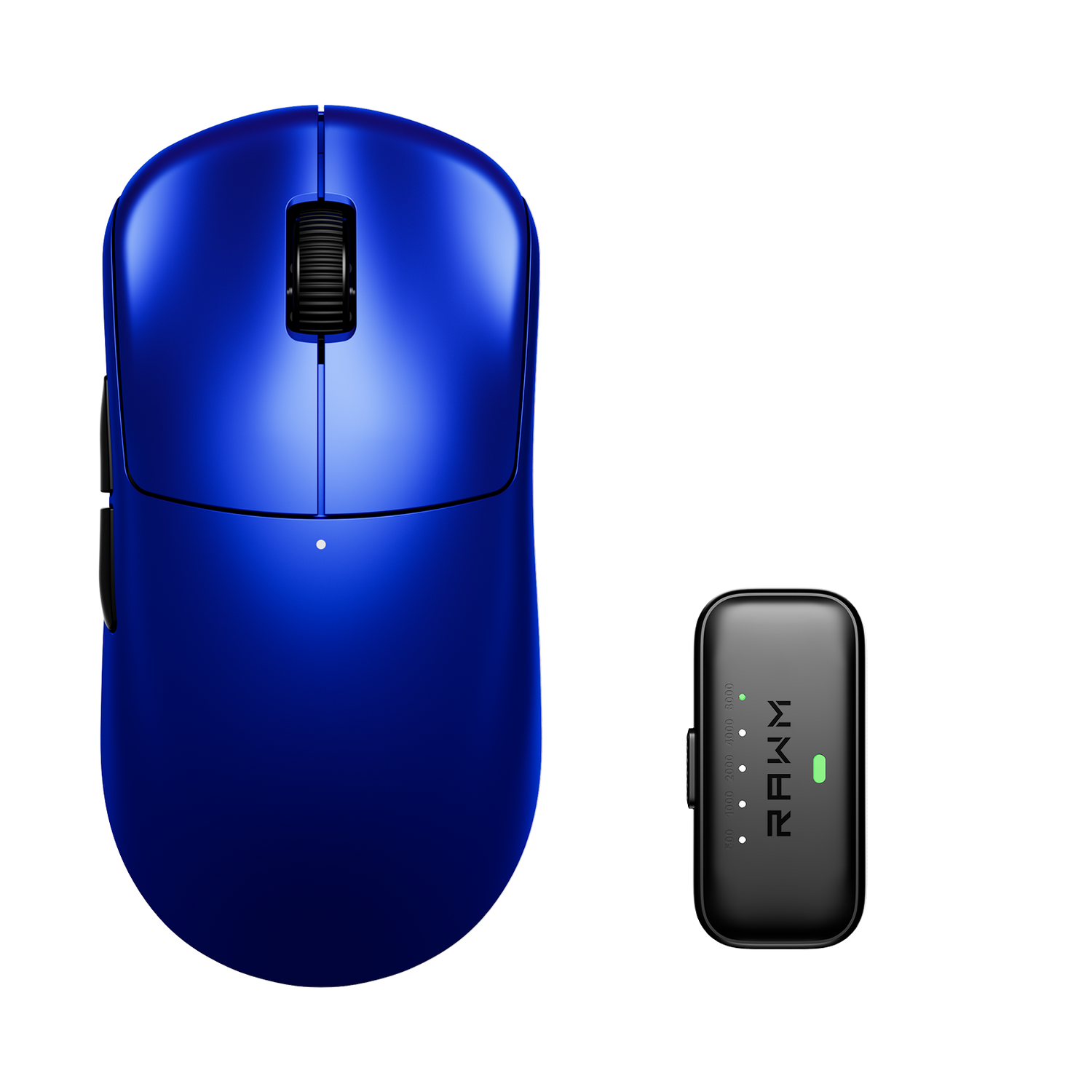
For example, in a balanced wireless design like the RAWM Leviathan V4, RGB lighting is integrated in a way that complements performance rather than overpowering battery efficiency, making it possible to enjoy lighting without constant recharging when settings are managed wisely.
5. RGB lighting vs performance priorities
From a gameplay perspective, RGB lighting does not directly improve aim, tracking, or reaction time. Its value is largely aesthetic or functional in small ways, such as indicating DPI levels or battery status through color changes.
Because of this, many competitive players choose to disable RGB entirely, prioritizing longer battery life and fewer distractions. Others enjoy subtle lighting that matches their setup, accepting slightly shorter runtime as a trade-off.
The key point is that RGB lighting affects battery life, but it does not affect core performance. The decision to use it comes down to personal preference and how often charging fits into your routine.
6. When RGB lighting makes sense on a wireless mouse
RGB lighting is most worthwhile when it provides practical feedback or personal enjoyment without significantly disrupting usage habits. If you charge your mouse every few days anyway, lighting may not be an issue at all. If you rely on visual cues for DPI switching or battery warnings, RGB can actually improve usability.
On the other hand, if long battery life is a top priority, such as for travel or extended work sessions, disabling RGB is one of the easiest ways to maximize runtime. Many mice allow profiles where lighting is enabled only in specific modes, offering flexibility rather than an all-or-nothing choice.
Ultimately, RGB is neither purely good nor bad for battery life. It is a variable that can be tuned to match how you use your mouse.
Do you prefer longer battery life or visual customization on your wireless mouse, and how often do you actually notice RGB during gameplay?
>>See also Should I use an XL desk pad? >>>>>