
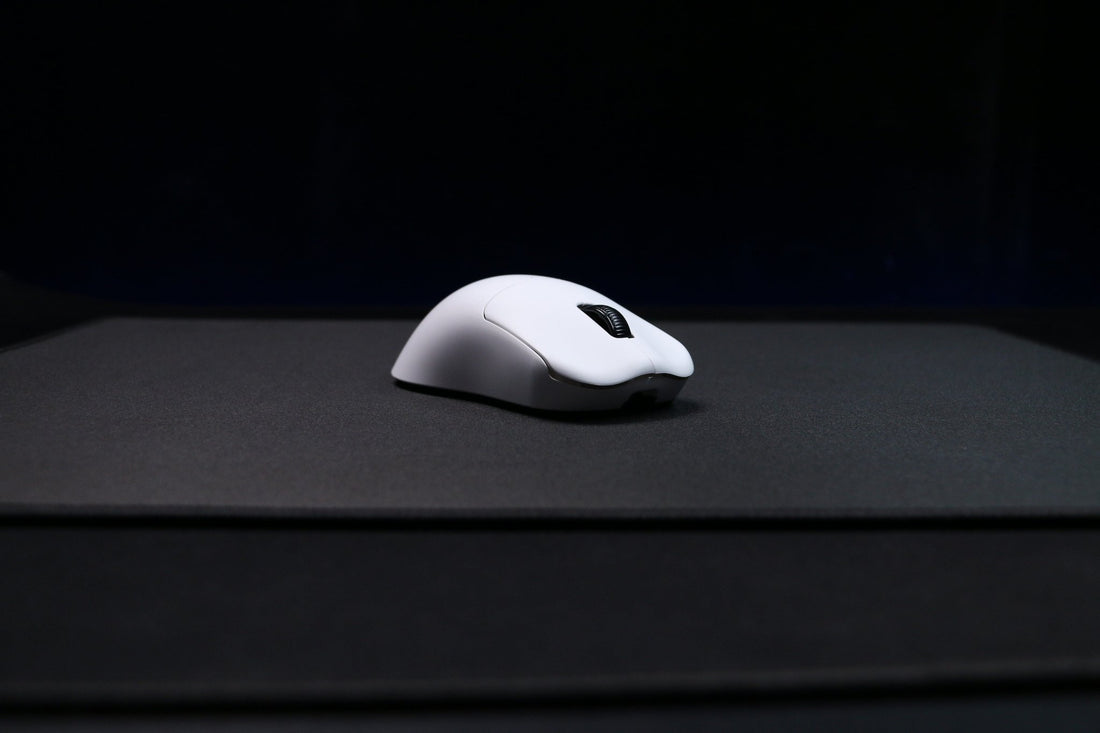
Why Pixart 3950 Mouse Sensor Delivers the Ultimate Performance Experience
- 1. Unmatched DPI Range with Pixart 3950 Mouse Sensor
- 2. Industry Leading Tracking Accuracy
- 3. Designed for Competitive Polling Rates
- 4. Compatibility with Multiple Surfaces
- 5. Excellent Lift-Off Distance Control
- 6. Ideal for Esports and Professional Use
- 7. Low Power Consumption for Wireless Performance
- 8. Future-Proof Sensor with Firmware Customization
- 9. Backed by Top Gaming Brands
-
10. Value for Price

When choosing a gaming mouse, the sensor is arguably the most important component. Whether you’re battling in fast-paced FPS titles or grinding ranks in MMORPGs, sensor quality dictates your precision and reaction speed. The pixart 3950 mouse sensor stands out in today’s competitive market as a top-tier solution. With advanced DPI settings, unmatched accuracy, and industry-leading responsiveness, it’s no surprise that high-end mice now rely on it.
Let's explain why the pixart 3950 mouse sensor has become the gold standard, especially for serious gamers and professionals. From its technical specifications to its in-game benefits, here’s everything you need to know.
1. Unmatched DPI Range with Pixart 3950 Mouse Sensor
The pixart 3950 mouse sensor offers a staggering DPI range of up to 30,000. This means you can fine-tune sensitivity from ultra-precise to ultra-fast tracking. Whether you're sniping from a distance or spinning 180 degrees in an instant, this sensor adapts to your play style.
| DPI Level | Best Use Case |
|---|---|
| 400-800 | Precision aiming in FPS games |
| 800-1600 | Balanced gameplay for most genres |
| 1600-3000 | Fast-paced MOBA or RTS games |
| 3000+ | High-speed flick shots, 4K screens |
With this versatility, the pixart 3950 mouse sensor ensures smooth tracking on any DPI setting.
2. Industry Leading Tracking Accuracy
Accuracy is key in competitive gaming. Thanks to its high-resolution imaging and zero interpolation technology, the pixart 3950 mouse sensor tracks every movement with precision. It eliminates cursor drift, unwanted acceleration, and jitter.
Key Tracking Features:
-
50G Acceleration
-
650 IPS (inches per second)
-
Zero smoothing or prediction
If you're a gamer who values precise hit registration or pixel-level editing in creative software, the pixart 3950 mouse sensor delivers.
3. Designed for Competitive Polling Rates
The pixart 3950 mouse sensor supports ultra-high polling rates, up to 8000 Hz. When paired with compatible firmware and USB controllers, it reduces input lag to near-zero. That’s 8 times faster than the standard 1000 Hz sensors, giving you a competitive edge in every click.
Polling Rate Comparison Table
| Polling Rate | Response Time | Ideal For |
|---|---|---|
| 1000 Hz | 1 ms | Casual gaming |
| 4000 Hz | 0.25 ms | eSports / Competitive shooters |
| 8000 Hz | 0.125 ms | Pro-level twitch gameplay |
The faster your mouse reports data, the quicker your in-game actions register. That’s why elite players trust the pixart 3950 mouse sensor.
4. Compatibility with Multiple Surfaces
Unlike older sensors that required specific mousepads, the pixart 3950 mouse sensor performs well on almost any surface—cloth, hard plastic, aluminum, and even glass (with slight enhancement from lift-off distance adjustments).
Surface Testing Overview
| Surface Type | Tracking Quality | Notes |
|---|---|---|
| Cloth | Excellent | Best control and comfort |
| Hard Plastic | Excellent | Fast glide, high accuracy |
| Aluminum | Very Good | Slightly faster tracking |
| Glass | Moderate | Lift-off distance tuning needed |
This makes the pixart 3950 mouse sensor highly versatile for gamers on the go.
5. Excellent Lift-Off Distance Control
Low lift-off distance prevents unnecessary cursor movement when repositioning your mouse. The pixart 3950 mouse sensor allows users to adjust lift-off distance via firmware—ideal for competitive players.
-
Default LOD: ~1mm
-
Adjustable Range: 0.5mm to 2mm
-
Benefit: Minimal retargeting errors when lifting
For low-sens players especially, this makes the pixart 3950 mouse sensor a no-compromise tool.
6. Ideal for Esports and Professional Use
Top-tier gaming mice like the RAWM ER21PRO and Finalmouse Starlight 10 use the pixart 3950 mouse sensor because it meets eSports-level standards.
Why eSports Pros Prefer It:
-
Reliable tracking under pressure
-
Fast click-to-response ratio
-
Tunable firmware settings
When victory depends on milliseconds, the pixart 3950 mouse sensor consistently delivers.
7. Low Power Consumption for Wireless Performance
One overlooked feature is the pixart 3950 mouse sensor's efficient power draw. It consumes significantly less power compared to its predecessors, making it perfect for wireless gaming mice.
| Sensor Model | Battery Efficiency |
|---|---|
| Pixart 3310 | Moderate |
| Pixart 3395 | High |
| Pixart 3950 | Very High |
Paired with a 300mAh battery, a mouse equipped with this sensor can last up to 80 hours on a single charge—especially when polling is optimized.
8. Future-Proof Sensor with Firmware Customization
The pixart 3950 mouse sensor is fully programmable. Mouse manufacturers can tweak:
-
DPI steps
-
LOD profiles
-
Acceleration/smoothing toggles
-
RGB sync and power saving
This flexibility ensures your mouse stays up-to-date with future games and hardware, making the pixart 3950 mouse sensor a smart long-term investment.
9. Backed by Top Gaming Brands
Respected brands such as RAWM, Pulsar, and Lamzu use the pixart 3950 mouse sensor in their flagship models. It has become a benchmark of quality in the gaming industry.
| Brand | Model Using Pixart 3950 | Market Focus |
|---|---|---|
| RAWM | ER21PRO | FPS/MMO Gamers |
| Pulsar | X2V2 | Competitive eSports |
| Lamzu | Atlantis Mini Pro | Lightweight Wireless |
This widespread adoption validates the sensor's unmatched reputation.
10. Value for Price
While high-end, mice with the pixart 3950 mouse sensor often remain under $100. Considering its premium performance, that’s a powerful reason to upgrade without overpaying.
The pixart 3950 mouse sensor has redefined what's possible in gaming mouse performance. From its ultra-high DPI to flawless tracking and adaptable firmware, it brings elite-level control to gamers at all levels. Whether you’re a streamer, competitive gamer, or hobbyist, this sensor offers precision that scales with your skill.
No matter your playstyle or setup, the pixart 3950 mouse sensor ensures you stay in control.
What features do you look for in a gaming sensor? Have you tried a mouse with the pixart 3950 mouse sensor? Share your experience or questions in the comments below!
>>See also Discover the Advantages of Using rawm er21pro in Dragonflight >>>>>






