What DPI range is realistic?
- What DPI actually represents in real gameplay
- Why ultra high DPI numbers are mostly marketing
- The most realistic DPI range for competitive gaming
- How DPI interacts with in game sensitivity
- DPI realism across different game genres
- Finding a realistic DPI that fits your setup
- Why consistency matters more than chasing numbers

What DPI actually represents in real gameplay
DPI, or dots per inch, describes how far the cursor moves on screen relative to physical mouse movement. In practical terms, it defines sensitivity at the hardware level. A higher DPI means the cursor travels farther with less hand movement, while a lower DPI requires more physical motion for the same distance.
In real gameplay, DPI does not exist in isolation. It interacts with in-game sensitivity, screen resolution, mousepad size, and even grip style. Because of this, the realistic DPI range for gaming is much narrower than marketing numbers suggest. While some mice advertise extreme DPI values, only a fraction of that range is useful in actual play.
For most players, realistic DPI is about control, predictability, and consistency rather than raw speed.
Why ultra high DPI numbers are mostly marketing
Modern gaming mice often advertise DPI values well above 20,000. While impressive on paper, these numbers rarely translate into meaningful advantages. At extremely high DPI levels, even tiny involuntary hand movements cause large cursor jumps, making precise aiming difficult.
Another limitation is display resolution. Even on a 4K monitor, extremely high DPI can exceed the pixel density your screen can meaningfully display. At that point, extra DPI does not provide more detail, only instability.
Sensor performance also matters. At very high DPI, some sensors introduce smoothing or interpolation, which can slightly alter input data. This does not mean the mouse is inaccurate, but it does mean the benefit of ultra high DPI is minimal for competitive play.
In short, extremely high DPI exists more for specification comparison than for realistic gameplay needs.
The most realistic DPI range for competitive gaming
Across FPS, tactical shooters, and fast-paced action games, the most realistic DPI range tends to fall between 400 and 1600. This range offers a balance between fine control and efficient movement.
Low DPI settings such as 400 or 800 are popular among players who value precision, especially in aiming-heavy titles. These settings allow larger arm movements, which many find more consistent over long sessions.
Mid-range DPI values like 1200 or 1600 are often chosen by players with limited desk space or smaller mousepads. They still allow controlled aim while reducing the physical distance needed for movement.
Beyond 1600 DPI, the number of players who genuinely benefit drops sharply. While some users prefer higher DPI for productivity or fast navigation, competitive gameplay usually favors stability over speed.
How DPI interacts with in game sensitivity
DPI alone does not define how fast your aim feels. In-game sensitivity acts as a multiplier on top of DPI. For example, a player using 800 DPI with higher in-game sensitivity can achieve a similar overall speed to someone using 1600 DPI with lower sensitivity.
However, lower DPI combined with higher in-game sensitivity can sometimes feel less smooth, depending on the game engine. Many modern titles handle this well, but some players still prefer moderate DPI with moderate in-game sensitivity for consistency.
What matters most is effective sensitivity, often measured as the distance required to turn 360 degrees in-game. This measurement stays consistent regardless of how DPI and in-game sensitivity are balanced, making it a more reliable way to compare settings.
DPI realism across different game genres
Different genres place different demands on DPI. In tactical shooters and battle royale games, lower DPI values are common because precision aiming is critical. Smooth tracking and micro-adjustments matter more than rapid cursor movement.
In fast arena shooters or action games, slightly higher DPI may feel more responsive, especially when frequent turning is required. Even so, most players still remain within the realistic 800 to 1600 range.
For strategy games or MMO play, higher DPI can be useful for quick screen navigation and interface interaction. These genres are less dependent on pixel-perfect aim, so the downsides of higher DPI are less noticeable.
The key point is that realism depends on context. A DPI setting that feels perfect in one genre may feel impractical in another.
Finding a realistic DPI that fits your setup
Desk space, mousepad size, and grip style all influence what DPI feels realistic. Players with large mousepads often prefer lower DPI because they can use full arm movement comfortably. Those with limited space may need slightly higher DPI to avoid running out of room.
Grip style also plays a role. Fingertip grip users often favor higher DPI than palm grip users, as their movements are smaller and more finger-driven. Palm grip players usually feel more stable at lower DPI levels.
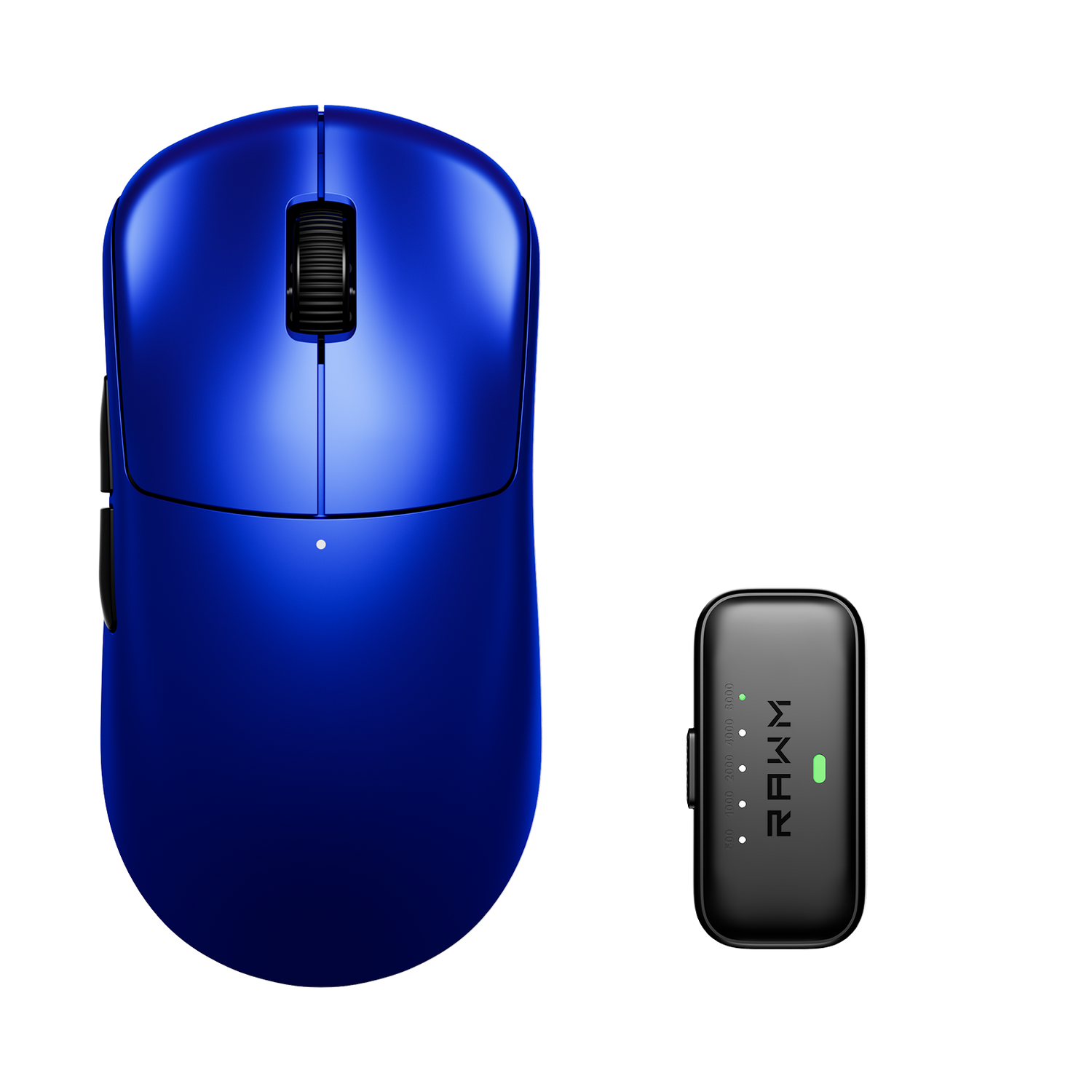
Modern mice with high-quality sensors allow fine DPI steps, making it easier to experiment. For example, a wireless mouse like the RAWM Leviathan V4 offers consistent tracking across common DPI ranges, allowing players to focus on finding a setting that feels natural rather than chasing extreme numbers.
Why consistency matters more than chasing numbers
Once a realistic DPI range is found, consistency becomes more important than further tweaking. Muscle memory develops over time, and frequent DPI changes can disrupt that process.
Many experienced players choose a DPI, pair it with a comfortable in-game sensitivity, and avoid changing it unless their setup changes significantly. This stability helps build reliable aim and confidence in movement.
Rather than asking how high DPI can go, a better question is how stable and repeatable your aim feels during long sessions. Realistic DPI supports that goal by staying within a range your body can control naturally.
Choosing a realistic DPI is less about following trends and more about understanding how your equipment and playstyle work together.
What DPI range feels most natural for your current setup, and have you noticed a difference when switching between low and high values?
>>See also Best ambidextrous gaming mouse? >>>>>