Is sensor performance different on soft vs hard pad?
- 1. How mouse sensors read surface texture
- 2. Tracking stability on soft pads
- 3. Tracking behavior on hard pads
- 4. Lift-off distance differences
- 5. Durability and long-term consistency
- 6. Does sensor quality reduce surface differences?
- 7. Which surface is better for your playstyle?

Mouse sensor performance is often discussed in terms of DPI, IPS, and polling rate, but surface type plays an equally important role. Many players switch between soft cloth pads and hard pads without realizing that the sensor may behave slightly differently on each. While modern gaming sensors are highly advanced, surface texture still affects tracking stability, lift-off behavior, and overall feel.
So is sensor performance different on soft vs hard pad? The short answer is yes, but the difference depends on sensor quality, surface consistency, and your playstyle. For some users, the change is subtle. For others, especially low-sensitivity FPS players, it can be immediately noticeable.
1. How mouse sensors read surface texture
Modern optical sensors use a small camera to capture thousands of images per second of the surface beneath the mouse. By analyzing texture changes between frames, the sensor calculates movement.
Soft cloth pads typically have woven fibers with irregular micro-texture. Hard pads, usually made of plastic or composite materials, offer smoother and more uniform surfaces.
Because sensors rely on surface detail to track motion, the consistency and reflectivity of the pad influence how accurately movement is interpreted. A high-quality sensor can adapt well to both, but minor differences in signal clarity may still occur.
2. Tracking stability on soft pads
Soft pads provide slightly more surface texture, which often gives the sensor more visual data points to track. For many users, this results in stable and consistent tracking at normal DPI levels.
Cloth pads also offer more control due to higher friction. This can reduce overshooting and make micro-adjustments feel smoother. However, soft pads may wear unevenly over time, and pressure from your hand can slightly alter the surface during use.
At very high DPI settings, lower-quality sensors may exhibit small amounts of jitter on certain cloth pads. High-end sensors typically minimize this effect, but surface wear can still influence performance over long periods.
3. Tracking behavior on hard pads
Hard pads provide a smooth, rigid surface with minimal compression. Because the surface does not deform under pressure, tracking remains consistent regardless of grip force.
However, smoother surfaces reflect light differently. Some sensors may show slightly higher lift-off distance on hard pads compared to cloth, depending on calibration.
Hard pads often enable faster glide due to lower friction. This can enhance speed-focused playstyles but may require better control to maintain precision. Players who rely on quick flicks often appreciate the immediate response and minimal drag.
In some cases, hard pads can expose sensor imperfections more clearly because there is less natural resistance to mask micro-movements.
4. Lift-off distance differences
Lift-off distance can vary between soft and hard pads. Cloth pads sometimes result in slightly higher LOD because the textured fibers reflect sensor light differently. Hard pads may reduce LOD slightly due to tighter reflection patterns.
The difference is usually within 0.5 to 1 mm, but competitive players who frequently reposition their mouse can notice it. If you experience cursor drift while lifting, switching surfaces may influence that behavior without changing software settings.
Many modern mice include surface calibration to optimize performance for different pad types, reducing these variations.
5. Durability and long-term consistency
Soft pads can accumulate dust, skin particles, and moisture over time. These contaminants can subtly affect sensor clarity and glide feel. Regular cleaning helps maintain consistent tracking.
Hard pads are easier to wipe clean and maintain uniform texture. However, they can develop micro-scratches that slightly alter glide characteristics over extended use.
Sensor performance stability over time depends not just on pad type, but on maintenance and surface condition.
6. Does sensor quality reduce surface differences?
Higher-end gaming sensors are designed to handle a wide range of surfaces with minimal variation. Advanced tracking algorithms compensate for differences in texture and reflectivity.
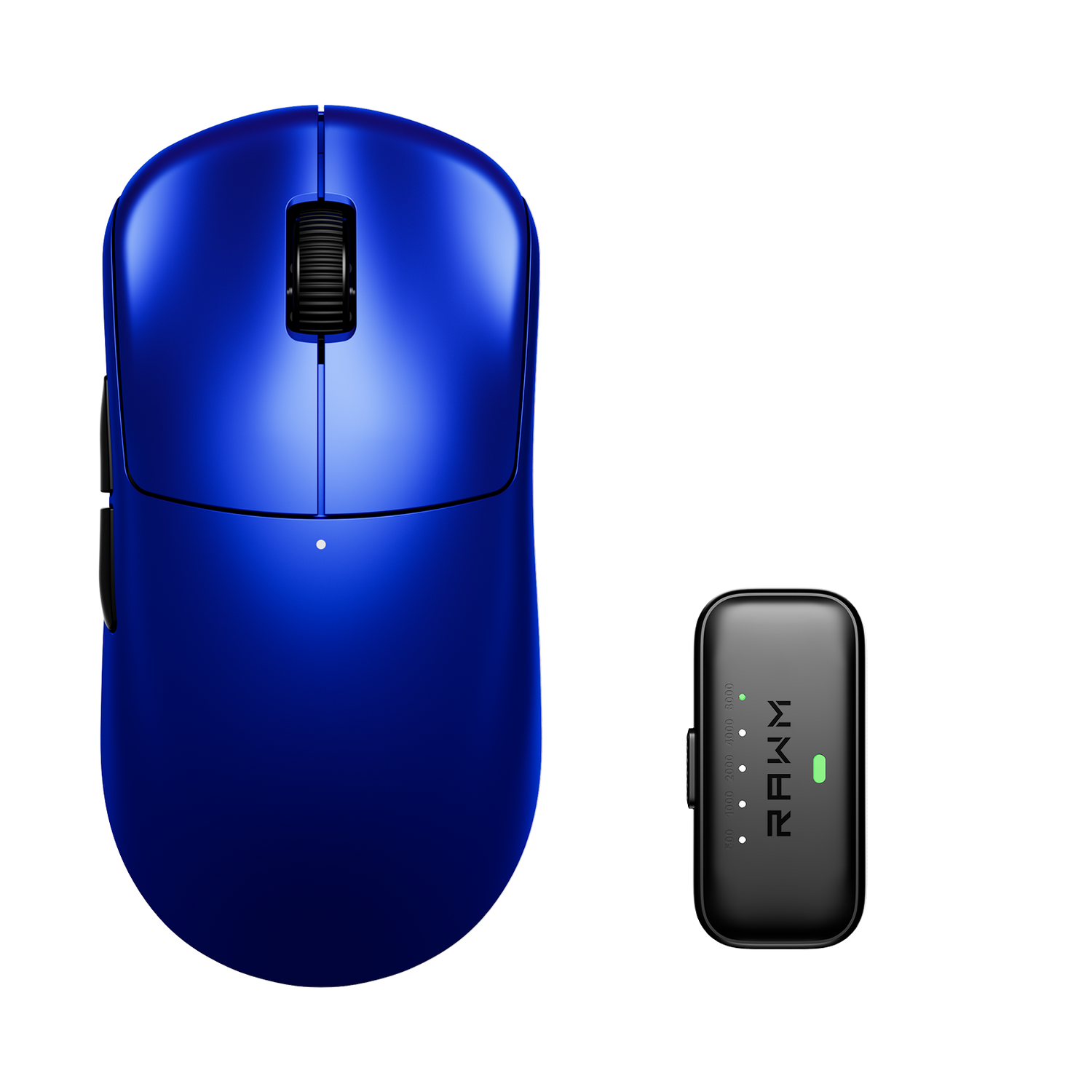
For example, well-tuned gaming mice such as the Leviathan V4 are engineered to maintain consistent tracking performance across both cloth and hard pads, minimizing jitter and maintaining predictable lift-off behavior.
That said, even the best sensors cannot completely eliminate the physical differences between surface materials. Glide feel and micro-control will still vary based on friction and texture.
7. Which surface is better for your playstyle?
If you prioritize control, micro-adjustment precision, and a softer feel, a cloth pad may suit you better. If you prefer speed, low friction, and consistent rigidity, a hard pad may be the better choice.
Sensor performance differences are usually subtle with modern hardware. The larger impact often comes from friction and muscle memory rather than raw tracking accuracy.
Switching between pad types may require a short adaptation period. Once muscle memory adjusts, both surfaces can deliver excellent performance when paired with a quality sensor.
Sensor performance does differ slightly between soft and hard pads, mainly due to texture, reflectivity, and friction characteristics. With modern sensors, the differences are rarely dramatic, but they can influence lift-off distance, glide speed, and micro-control.
Do you feel more confident with the controlled resistance of a cloth pad, or do you prefer the fast glide and crisp feel of a hard surface?
>>See also Are FPS mice usable for MMOs? >>>>>