Gaming Mouse vs. Regular Mouse: Key Differences and Why It Matters
- 1. What is a Gaming Mouse?
- 2. How Does a Gaming Mouse Differ from a Regular Mouse?
- 3. Types of Gaming Mice and Their Uses
- 4. Should You Buy a Gaming Mouse?
- 5. Is a Gaming Mouse Worth It?

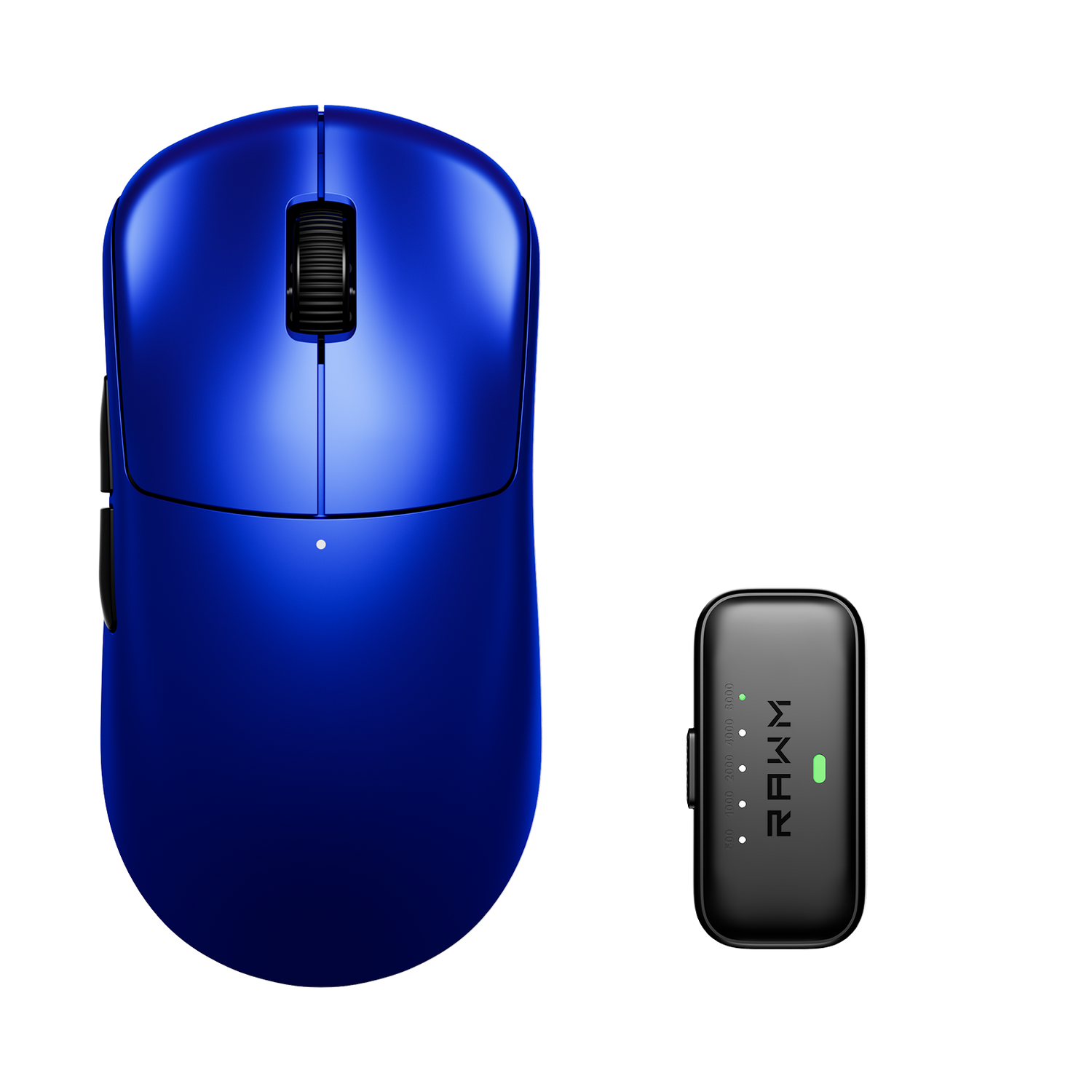
A gaming mouse is an essential tool for gamers, offering enhanced precision, faster response times, and customizable features compared to a regular mouse. While a standard mouse is designed for basic computer tasks, a gaming mouse is built to improve in-game performance with features like adjustable DPI, programmable buttons, and ergonomic designs.
Let's explore what makes a gaming mouse unique, how it differs from a regular mouse, and why investing in one can significantly enhance your gaming experience.
1. What is a Gaming Mouse?
A gaming mouse is a high-performance computer mouse specifically designed for gaming. It typically includes:
✔ Higher DPI (Dots Per Inch) – Adjustable sensitivity for precise movements.
✔ Customizable Buttons – Additional buttons for quick in-game actions.
✔ Ergonomic Design – Comfortable grip for long gaming sessions.
✔ RGB Lighting – Aesthetic customization for a personal touch.
Comparison Table: Gaming Mouse vs. Regular Mouse
| Feature | Gaming Mouse | Regular Mouse |
|---|---|---|
| DPI Range | 400 – 25,000+ | 800 – 1,600 |
| Custom Buttons | Yes (5-12 buttons) | No (2-3 buttons) |
| Polling Rate | 1000 Hz+ | 125-250 Hz |
| Weight Customization | Yes | No |
| Price Range | $30 – $150+ | $5 – $50 |

2. How Does a Gaming Mouse Differ from a Regular Mouse?
2.1 DPI & Sensitivity
A gaming mouse offers adjustable DPI settings, allowing players to switch between different sensitivity levels for better control. A regular mouse usually has a fixed DPI, making it less versatile for gaming.
2.2 Polling Rate & Response Time
The polling rate determines how fast a mouse reports movement to the computer. A gaming mouse has a 1000 Hz+ polling rate, ensuring faster response times, whereas a regular mouse typically operates at 125-250 Hz.

2.3 Programmable Buttons
Gaming mice have extra programmable buttons, allowing gamers to assign actions like reloading, melee attacks, or spell casting. This is a major advantage over a standard mouse, which usually has only two buttons and a scroll wheel.
3. Types of Gaming Mice and Their Uses
3.1 FPS Gaming Mouse
✔ Designed for fast-paced shooters like Call of Duty & CS:GO.
✔ Features a lightweight build and high DPI accuracy.
3.2 MMO/MOBA Gaming Mouse
✔ Ideal for strategy games like World of Warcraft & Dota 2.
✔ Includes multiple programmable buttons for macros.
3.3 Wireless Gaming Mouse
✔ Offers freedom of movement with low-latency wireless tech.
✔ Great for competitive and casual gaming.
4. Should You Buy a Gaming Mouse?
A gaming mouse is highly recommended for:
✔ Competitive eSports players.
✔ Casual gamers looking for better accuracy.
✔ Professionals who need customizable shortcuts for productivity.
However, if you only use your PC for basic browsing, a regular mouse may be sufficient.
5. Is a Gaming Mouse Worth It?
A gaming mouse is more than just an accessory—it’s an essential tool for gamers who want precision, speed, and customization. Whether you're playing FPS, MOBA, or RPGs, upgrading to a gaming mouse can improve performance and comfort.
Are you ready to level up your gaming experience? Let us know your favorite gaming mouse in the comments! 🚀
>>See also How to Choose the Best Gaming Mouse for Beginners?