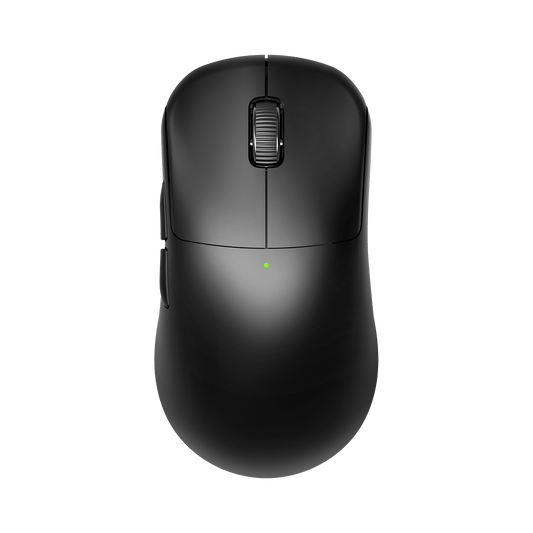
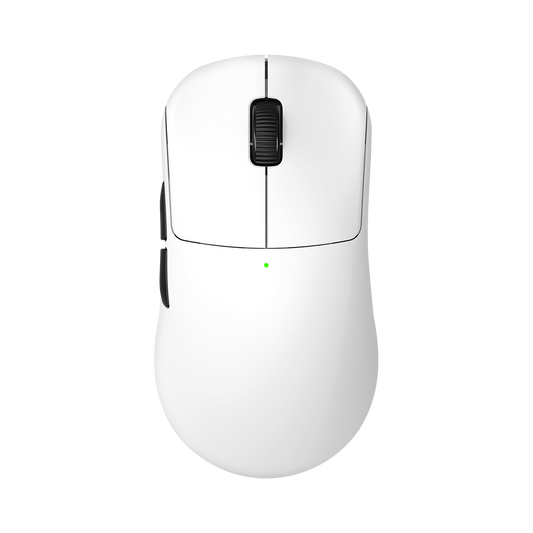
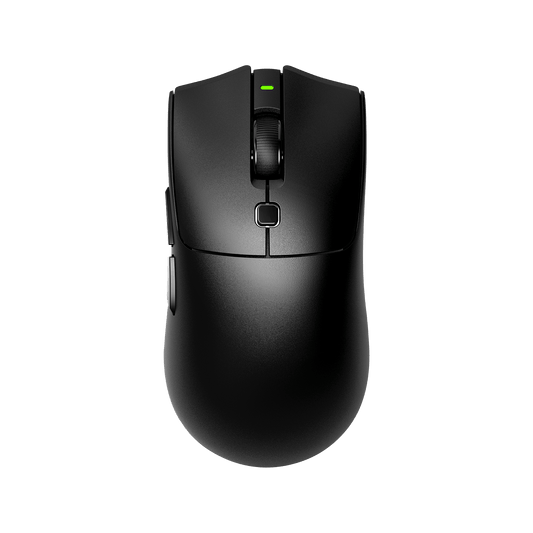
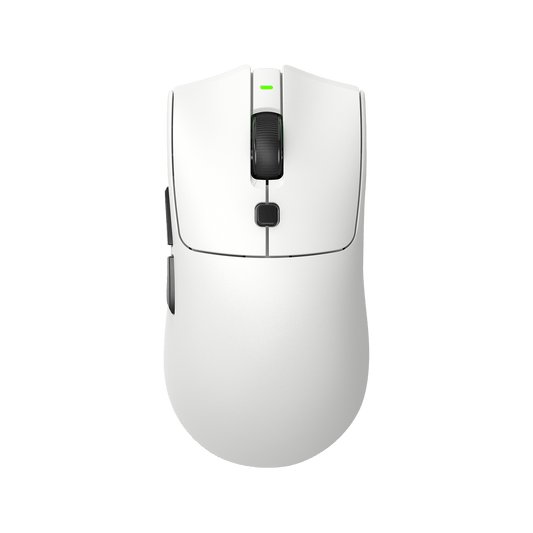
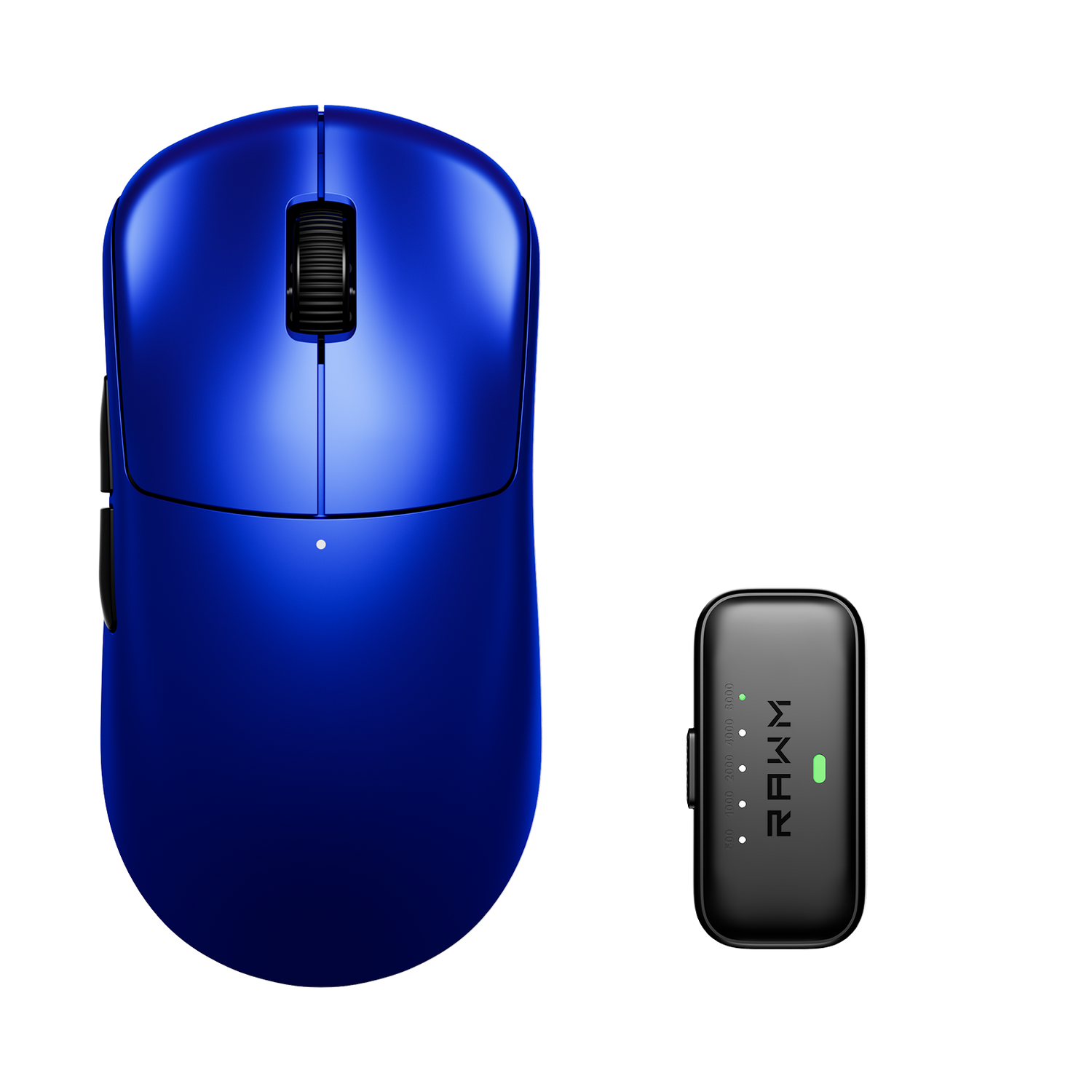
Collection: Best gaming mouse for under $50

2 products

Troubleshooting Collection:

To provide the best experience, we've compiled a list of our past customers' top concerns into
RAWM blogs that we think will be helpful. We'd also love for you to share your suggestions,
feedbacks and any issues you encounter via support@rawmtech.com (updating).

Collection: Best gaming mouse for under $50

FAQ


DPI (Dots Per Inch) determines your mouse sensitivity. Higher DPI means faster cursor movement. The ideal DPI varies depending on game genre and personal preference. Experiment to find what works best for you. RAWM mice offer adjustable DPI settings, allowing you to fine-tune your sensitivity on the fly.

The polling rate refers to how often the mouse reports its position to the computer — a higher polling rate results in smoother and more responsive cursor movement.

The three main grip styles are palm, claw, and fingertip. The palm grip offers the most support and comfort, the claw grip provides more control and precision, and the fingertip grip allows quick and agile movements.

While both offer wireless connectivity, Bluetooth mice typically prioritize power efficiency and broader compatibility, while dedicated wireless mice (using a 2.4GHz dongle) prioritize lower latency and higher performance for gaming.

RAWM mice utilize high-quality switches like TTC, Raesha Optical Microswitches and HUANO switches, which are renowned for their durability, responsiveness, and tactile feedback. These switches ensure long-lasting performance and a satisfying clicking experience. Explore the RAWM collection and discover the best gaming mouse to elevate your performance.

Please switch to another USB port or another computer device to test, as the USB port may interfere with the wireless signal. And please check the computer's USB settings and driver updates. If it still can't be solved, please feel free to contact us.

Since the 8Khz polling rate has higher requirements for the computer configuration and screen, please feel free to contact us to check for you, thank you.

Please test the double-click problem in the double-click software. You can adjust it in the driver software settings or in the computer's mouse settings. If it still can't be solved, please feel free to contact us.


What’s the best wireless gaming mouse (mice) for me?

Choosing the best wireless gaming mouse (mice) for you depends on several factors including your budget, gaming preferences, PC games and any specific features you desire. Here are some popular Collections to select from:


Best gaming mouse for FPS games: should be lightweight and have low click latency. The shape of your FPS mouse is also key. You should choose a comfortable mouse for your hand size and preferred grip type.
Best wireless gaming mouse for under $50: The best wireless gaming mouse with sale price no more than $50.
Gaming mouse with adjustable DPI settings: DPI, or dots per inch, refers to the sensitivity of a mouse's sensor. It determines how quickly the cursor moves across the screen in response to physical mouse movements. Wireless mice with adjustable DPI give users the flexibility to customize their cursor speed, adapting to different tasks and preferences.
Best gaming mouse for kids: Comfortable, durable, easy-to-use, and safe gaming mouse designed for kids.
Best gaming mouse for small hands: Compact, ergonomic, and precise gaming mouse designed for small hands.
Best gaming mouse for beginners: Simple, affordable, and user-friendly gaming mouse designed for beginners.
Gaming mouse with long-lasting battery life: Efficient, reliable, and long-lasting wireless gaming mouse with extended battery performance.
Gaming mouse with high polling rate: Responsive, precise, and high-performance gaming mouse with fast data reporting.
Gaming mouse with replaceable skates: Customizable, durable, and smooth-gliding gaming mouse with replaceable skates.
Best gaming mouse for casual gamers: Affordable, comfortable, and versatile gaming mouse for casual gamers.
Best gaming mouse for Fortnite: high precision, lightweight design for quick movements, comfortable ergonomics for long sessions, and additional programmable buttons for in-game actions, which is crucial in this fast-paced shooter.
Best gaming mouse for Valorant: enhance performance in the tactical shooter Valorant, including a flawless, high-performance sensor for precision, a lightweight design for fast flicks, a comfortable shape and size that suits your hand size and grip style (e.g., palm grip, claw grip), and a high polling rate for responsive movement, rather than a single universally "best" mouse. 
Best gaming mouse for CS:GO: Global Offensive by offering precise tracking, comfortable ergonomics for long play sessions, and features beneficial for quick and accurate aiming.
Best gaming mouse near me: the top-rated and highest-performing computer mouse designed for gaming, and find it available for purchase or immediate pickup in your local area.
Best gaming mouse for travel: a compact, lightweight, and portable model with long battery life, reliable wireless connectivity, and a high-performance sensor that can still deliver responsive, accurate gameplay on the go.
Gaming mouse with fast charging feature: uses higher voltage or amperage to significantly reduce the time it takes to recharge its battery, enabling gamers to get back to playing quickly after a short charging period.
Gaming mouse with Mechanical Switches: uses small, spring-loaded physical components within the mouse buttons that make direct physical contact to register a click.
Gaming mouse with Optical Switches: uses beams of light instead of physical metal contacts to register clicks, offering benefits like near-instant registration, increased durability, and a longer lifespan because there are fewer parts to wear out. 


For beginners, consider reading this blog:

How  to choose the Best Gaming Mouse


What’s the best wireless gaming mice?

FAQs

1. What is the best mouse for my grip style?

It depends on the model. For example, our ER21PRO is optimized for ergonomic right-handed claw and palm grips, while the Leviathan V4 features a symmetrical shape suitable for all grips users. You can refer more details here - Shopping Guide.

2. Is there any noticeable latency with wireless?

No. Using 2.4GHz "HyperSpeed" technology and the Nordic chips, our wireless latency is negligible, matching or beating wired performance.

3. What is the difference between 1K and 8K polling?

A 1K polling rate reports position every 1ms. Our 8K technology reports every 0.125ms, providing significantly smoother tracking and lower input delay on high-refresh-rate monitors.

4. What is the "perfect" DPI for FPS?

Most pros use 400, 800, or 1600 DPI. However, our sensors like the PAW3395/PAW3950 support up to 26K-30K DPI to ensure pixel-perfect accuracy regardless of your preference.

5. Do RAWM mice use Optical or Mechanical switches?

We offer both. Models like the ES21PRO, ER21PRO and Leviathan V4 use Optical Switches for near-instant registration and zero double-clicking, while others use tactile Huanuo/Kailh/TTC Mechanical Switches.

6. What is the battery life at 8K?

8K polling is power-intensive. While we offer "long-lasting" performance, using the 8K Receiver will drain the battery faster than 1K. We recommend 8K for competitive sessions and 1K for casual use.

7. Can I customize buttons and DPI?

Yes. All RAWM gaming mice are compatible with the RAWM HUB software for full button remapping, DPI and macro setup.

8. How do I fix double-clicking?

By using our models with Optical Switch, you virtually eliminate the physical wear that causes double-clicking. For mechanical models, debounce time can be adjusted in our software.

9. Is Lift-Off Distance LOD adjustable?

Yes. Professional sensors like the PAW3395 and PAW3950 allow you to set the LOD typically between 1.0mm and 2.0mm via the RAWM HUB .

10. Is there USB-C Fast Charging? flexible?

Yes, our mice utilize a standard USB-C port for Fast Charging , ensuring you spend less time tethered and more time playing. We provide high-quality Dedicated USB-C Cables that are lightweight and flexible to minimize drag if you need to play while charging.

11. What hand size is best?

We cater to all. The SH01 series is excellent for small/medium hands, while the MH01/ES21/ER21/Leviathan V4 series fit medium/large hands comfortably.

12. Does it have onboard memory?

Yes. Once configured in our RAWM HUB software, your DPI and button settings are saved directly to the mouse hardware.

13. Is Bluetooth supported?

Our "Tri-mode" models(SH01/MH01 series) support 2.4GHz, Wired, and Bluetooth, allowing you to switch between a gaming PC and a laptop easily.