
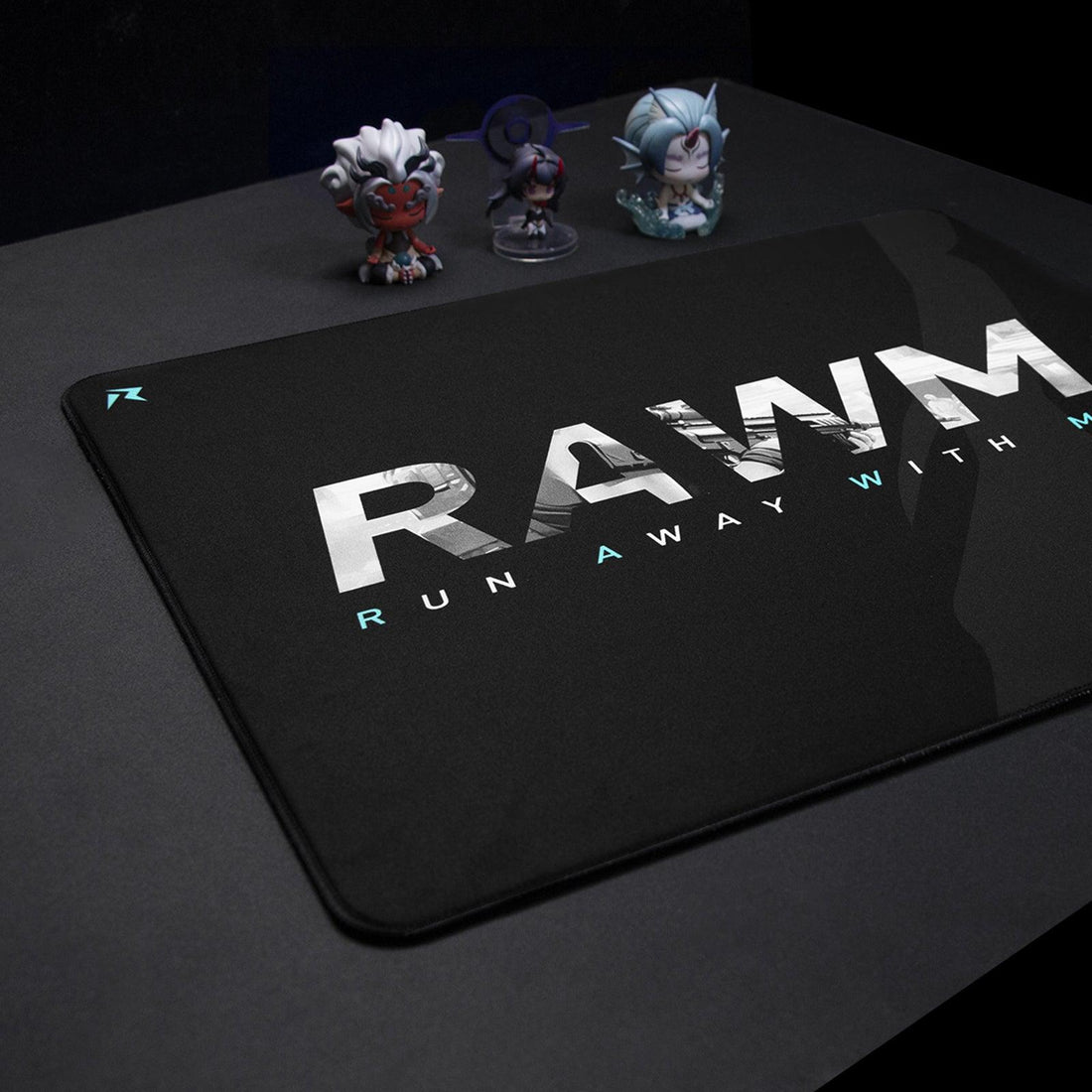
How to Properly Clean a Gaming Mousepad: Cloth & Fabric Care Guide?
- Why Cleaning Your Gaming Mousepad is Important
- How Often Should You Clean Your Gaming Mousepad
- Step-by-Step Guide: How to Clean a Cloth Gaming Mousepad
- How to Clean a Fabric Gaming Mousepad Without Water
- How to Clean a Gaming Mousepad with RGB Lighting
- Common Mistakes to Avoid When Cleaning a Gaming Mousepad
-
How to Maintain Your Gaming Mousepad for Long-Term Use

A gaming mousepad is an essential accessory for any gamer or professional, ensuring smooth and precise mouse movements. However, over time, dirt, sweat, and dust can accumulate, affecting both performance and hygiene. Regularly cleaning your gaming mousepad not only extends its lifespan but also enhances your gaming experience.
Let's walk you through the best methods to clean your gaming mousepad, whether it’s made of cloth or fabric. We'll cover different cleaning techniques, essential supplies, and maintenance tips to keep your mousepad in top condition.
Why Cleaning Your Gaming Mousepad is Important
A dirty gaming mousepad can negatively impact mouse accuracy, cause unpleasant odors, and even harbor bacteria. Here are the main reasons why you should clean it regularly:
- Improved Performance: A clean surface ensures smooth and accurate mouse tracking.
- Hygiene & Health: Dirt and bacteria buildup can lead to skin irritation.
- Longer Lifespan: Proper maintenance prevents wear and tear.
By incorporating simple cleaning habits, you can maintain an optimal gaming setup.
How Often Should You Clean Your Gaming Mousepad?
The frequency of cleaning depends on your usage and environment:
- Casual Gamers: Clean your gaming mousepad once a month.
- Heavy Users & Competitive Gamers: Wash it every two weeks.
- Spills & Stains: Clean immediately to prevent permanent damage.
Regular maintenance keeps your mousepad fresh and responsive.
Step-by-Step Guide: How to Clean a Cloth Gaming Mousepad
Cloth gaming mousepads are the most common type, offering comfort and precision. Follow these steps for effective cleaning:
What You’ll Need:
✔ Mild dish soap or hand soap
✔ Warm water
✔ Soft brush or sponge
✔ Towel for drying
Step 1: Prepare the Cleaning Solution
Fill a sink or basin with warm water and add a few drops of mild soap. Mix until it becomes slightly foamy.
Step 2: Soak the Mousepad
Submerge your gaming mousepad in the soapy water. Let it sit for 5-10 minutes to loosen dirt and stains.
Step 3: Gently Scrub
Use a soft brush or sponge to scrub the surface in circular motions. Pay extra attention to stained areas.
Step 4: Rinse Thoroughly
Run the mousepad under clean, warm water until all soap is removed.
Step 5: Dry Properly
Pat it dry with a towel and lay it flat in a well-ventilated area. Avoid direct sunlight or heat sources to prevent warping.
How to Clean a Fabric Gaming Mousepad Without Water
If your gaming mousepad is not water-resistant or you prefer a dry-cleaning method, follow these steps:
What You’ll Need:
✔ Lint roller or adhesive tape
✔ Soft brush or microfiber cloth
✔ Rubbing alcohol (optional for stains)
Step 1: Remove Loose Debris
Use a lint roller or adhesive tape to pick up dust, hair, and crumbs.
Step 2: Spot Clean Stains
Dampen a microfiber cloth with rubbing alcohol and gently blot stained areas. Avoid excessive moisture.
Step 3: Brush the Surface
Use a soft brush to restore the fabric’s texture and remove any remaining dirt.
This method is quick and ideal for regular maintenance.
How to Clean a Gaming Mousepad with RGB Lighting
RGB gaming mousepads require extra care due to built-in electronics.
What You’ll Need:
✔ Damp microfiber cloth
✔ Mild soap solution (if needed)
Step 1: Unplug the Mousepad
Always disconnect it from the power source before cleaning.
Step 2: Wipe the Surface
Dampen a microfiber cloth and gently wipe the surface. Avoid excess water.
Step 3: Clean the Edges & Base
Use a dry cloth for non-fabric areas and ports.
Step 4: Let It Dry Completely
Ensure no moisture is left before plugging it back in.
This method keeps your RGB gaming mousepad clean without damaging its lighting components.
Common Mistakes to Avoid When Cleaning a Gaming Mousepad
- Using Harsh Chemicals: Avoid bleach or strong detergents that can damage fabric.
- Scrubbing Too Hard: Aggressive scrubbing may wear out the surface.
- Using Hot Water: Excessive heat can weaken the material.
- Skipping the Drying Process: A damp gaming mousepad can develop mold or odors.
By following proper techniques, you’ll preserve your mousepad’s quality and longevity.
How to Maintain Your Gaming Mousepad for Long-Term Use
To keep your gaming mousepad in excellent condition:
✔ Wash regularly to prevent dirt buildup.
✔ Store properly in a dry, clean area.
✔ Avoid eating and drinking near your setup.
✔ Use a wrist rest to minimize sweat and oil transfer.
Good habits will ensure your mousepad stays smooth and responsive.
A clean gaming mousepad not only enhances performance but also contributes to a healthier gaming environment. Whether you prefer deep cleaning or quick maintenance, regular care will help extend its lifespan. Follow these easy steps to keep your gaming mousepad in top shape and enjoy a seamless gaming experience.
>>See also The Ultimate Guide to Cleaning Your Gaming Mousepad for Peak Performance






