
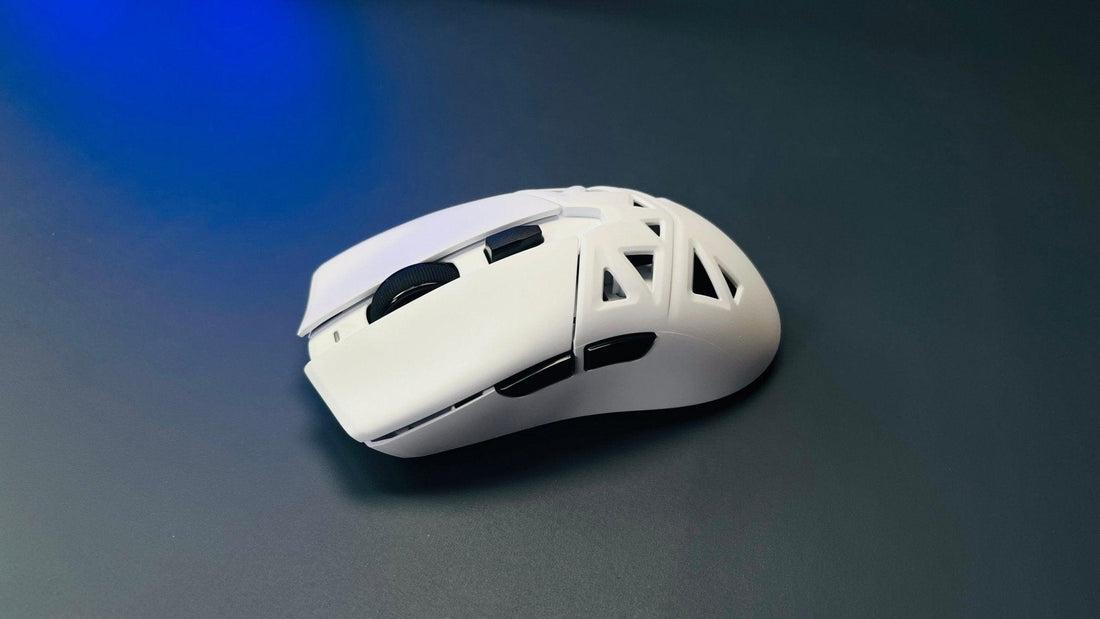
Does Polling Rate Really Impact Your Gaming Performance?
- 1. What Is Polling Rate?
- 2. How Does Polling Rate Affect Gaming Performance?
- 3. What’s the Best Polling Rate for Gaming?
- 4. Is a Higher Polling Rate Always Better?
- 5. How to Check and Change Your Mouse’s Polling Rate?
- 6. Does Polling Rate Really Matter?

When choosing a gaming mouse, one of the most important yet often overlooked factors is the polling rate. Many gamers focus on DPI and ergonomics, but the polling rate plays a crucial role in response time and overall gaming performance.
Let's break down what the polling rate is, how it works, and whether a higher polling rate actually improves your gaming experience. By the end, you’ll understand the impact of polling rate on competitive gaming and whether you need to upgrade your mouse.
1. What Is Polling Rate?
The polling rate of a mouse refers to how often it reports its position to the computer, measured in Hertz (Hz). A higher polling rate means the mouse updates more frequently, reducing input delay.
Common Polling Rates in Gaming Mice
| Polling Rate (Hz) | Response Time (ms) |
|---|---|
| 125 Hz | 8 ms |
| 250 Hz | 4 ms |
| 500 Hz | 2 ms |
| 1000 Hz | 1 ms |
| 8000 Hz | 0.125 ms |

A 1000 Hz polling rate means the mouse reports its position 1000 times per second, leading to a 1-millisecond delay between movement and on-screen action.
2. How Does Polling Rate Affect Gaming Performance?
The polling rate directly influences three key gaming aspects:
2.1 Mouse Responsiveness
✔ Higher polling rate reduces input delay, making movements feel more responsive.
✔ Important for fast-paced FPS games where precision is key.
2.2 Smooth Cursor Movement
✔ A higher polling rate creates smoother cursor movements.
✔ Beneficial for high-refresh-rate monitors (144Hz+).
2.3 CPU Usage Impact
✔ Higher polling rates (e.g., 8000 Hz) use more CPU resources.
✔ A balance between polling rate and system performance is crucial.
3. What’s the Best Polling Rate for Gaming?
Not all games require the highest polling rate. Here’s a quick guide:
| Game Type | Recommended Polling Rate |
|---|---|
| FPS (CS:GO, Valorant) | 1000 Hz – 8000 Hz |
| MOBA (LoL, Dota 2) | 500 Hz – 1000 Hz |
| RPG/Strategy (WoW) | 500 Hz |
| Casual/Browsing | 125 Hz – 250 Hz |
For competitive gaming, a 1000 Hz polling rate is ideal, while 8000 Hz is only beneficial for high-end systems.
4. Is a Higher Polling Rate Always Better?
✔ Pros of High Polling Rate:
- Lower input lag
- More accurate tracking
- Ideal for esports and competitive gaming
✖ Cons of High Polling Rate:
- More CPU usage (especially 8000 Hz)
- Diminishing returns after 1000 Hz
- Not noticeable for casual users
5. How to Check and Change Your Mouse’s Polling Rate?
Checking Your Polling Rate
✔ Use software like Mouse Rate Checker.
✔ Most gaming mice have built-in software (e.g., Razer Synapse, Logitech G Hub).
Changing Your Polling Rate
✔ Many mice have a DPI + polling rate button.
✔ Software allows you to adjust between 125 Hz to 8000 Hz.
6. Does Polling Rate Really Matter?
For casual users, a 500 Hz polling rate is sufficient. However, for competitive gamers, a 1000 Hz polling rate provides an edge. 8000 Hz polling rates are only beneficial for pro players with high-end hardware.
When choosing a gaming mouse, consider your hardware, game genre, and CPU capability before upgrading to a higher polling rate.
What polling rate do you use? Let us know in the comments! 🚀
>>See also Gaming Mouse vs. Regular Mouse: Key Differences and Why It Matters?







2 comments
Great explanation. Polling rate can make a difference, especially for players who are sensitive to input delay, but I think it is only one part of the setup. DPI, in-game sensitivity, mouse weight, and consistency matter just as much for actual aim performance.
After choosing a polling rate, it is still worth testing your final mouse sensitivity instead of changing settings randomly. I made a free browser-based PSA Method calculator here: https://www.psamethod.com/
It might be useful for FPS players who want a more structured way to fine-tune their sensitivity.
Great explanation. Polling rate can make a difference, especially for players who are sensitive to input delay, but I think it is only one part of the setup. DPI, in-game sensitivity, mouse weight, and consistency matter just as much for actual aim performance.
After choosing a polling rate, it is still worth testing your final mouse sensitivity instead of changing settings randomly. I made a free browser-based PSA Method calculator here: https://www.psamethod.com/
It might be useful for FPS players who want a more structured way to fine-tune their sensitivity.