
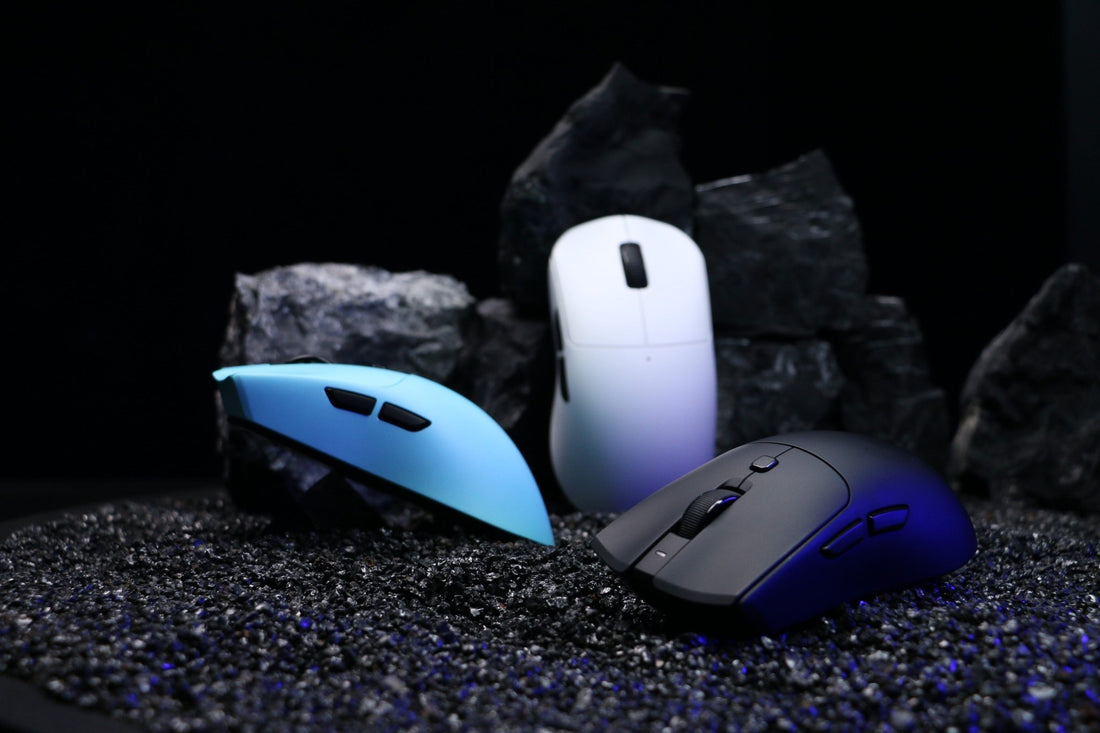
Do gaming mice need drivers/software?
1. Do Gaming Mice Need Software for Basic Functions?
2. Do Gaming Mice Need Software to Adjust DPI Settings?
3. Do Gaming Mice Need Software for RGB Customization?
4. Do Gaming Mice Need Software for Macros and Keybinds?
5. Do Gaming Mice Need Software for Onboard Memory Profiles?
6. Do Gaming Mice Need Software for Wireless Performance?
7. Do Gaming Mice Need Software for Different Gamer Types?
8. Do Gaming Mice Need Software: Pros and Cons

In the competitive gaming world, players constantly search for ways to optimize their performance. One common question is: do gaming mice need software to function properly, or are they just plug-and-play devices? While most gaming mice work out of the box, specialized drivers and software can unlock advanced features that make a real difference in speed, precision, and comfort.
1. Do Gaming Mice Need Software for Basic Functions?
The short answer is no. Most gaming mice are designed to work as standard input devices the moment you plug them in. However, when discussing do gaming mice need software, we must clarify that software is not required for basic cursor movement and clicking.
But if you want to access advanced settings such as DPI adjustment, RGB customization, or macros, installing the manufacturer’s software becomes essential.
2. Do Gaming Mice Need Software to Adjust DPI Settings?
One of the most important reasons gamers ask do gaming mice need software is to fine-tune DPI (Dots Per Inch). DPI directly affects how fast or slow your cursor moves on the screen.
Without software, many mice are locked to default DPI presets. With software, however, you can adjust DPI precisely (e.g., from 400 to 3200 in increments of 50).
Table: DPI Adjustment With and Without Software
| Feature | Without Software | With Software |
|---|---|---|
| Default DPI Settings | Fixed presets | Custom increments |
| Profile Switching | Not available | Multiple profiles |
| Per-Game Sensitivity | Limited | Fully customizable |
Clearly, for competitive players, the answer to do gaming mice need software is yes if they want fine-tuned precision.
3. Do Gaming Mice Need Software for RGB Customization?
Another reason people ask do gaming mice need software is for RGB lighting. While some mice have onboard lighting presets, software unlocks full customization.
-
Without software: fixed colors or cycling effects.
-
With software: choose exact RGB values, sync with your keyboard/headset, and save lighting profiles.
Image Suggestion: Diagram showing a mouse with default rainbow lighting vs a fully customized color profile.
For gamers who value aesthetics and immersion, the answer is clear: do gaming mice need software for RGB? Absolutely.
4. Do Gaming Mice Need Software for Macros and Keybinds?
Macros are a big reason competitive players ask do gaming mice need software. A macro is a sequence of actions (like pressing multiple keys) executed with one mouse button.
Without software, you’re limited to the mouse’s default button functions. With software, you can:
-
Assign keybinds for specific games.
-
Automate repetitive actions.
-
Save profiles for different genres (FPS, MOBA, MMO).
For productivity tasks as well as gaming, this is where do gaming mice need software becomes a game-changer.
5. Do Gaming Mice Need Software for Onboard Memory Profiles?
Some modern mice have onboard memory, which means you can save DPI, macros, and lighting without running software in the background. But here’s the catch: you still need the software to configure those profiles in the first place.
So when people ask do gaming mice need software, the correct answer is:
-
You don’t need it running all the time.
-
But you do need it to initially set up onboard profiles.
This makes software useful even if you prefer a “set it and forget it” approach.
6. Do Gaming Mice Need Software for Wireless Performance?
Wireless mice add another layer to the question do gaming mice need software. Many wireless models include software that:
-
Displays battery percentage.
-
Adjusts power-saving settings.
-
Switches between 2.4GHz and Bluetooth modes.
Without software, you’ll still be able to use the mouse, but you won’t have access to detailed battery insights or connection optimizations.
Pro Tip: Some software even offers firmware updates that improve latency and stability.
7. Do Gaming Mice Need Software for Different Gamer Types?
Not every gamer has the same needs. When deciding do gaming mice need software, consider the type of games you play:
| Gamer Type | Software Needed? | Why? |
|---|---|---|
| Casual Gamer | Not always | Plug-and-play works fine. |
| Competitive FPS | Yes | DPI, polling rate, macros. |
| MMO/MOBA | Yes | Custom keybinds and macros. |
| Streamer | Yes | RGB and multi-profile switching. |
This shows that the answer to do gaming mice need software depends on your gaming style.
8. Do Gaming Mice Need Software: Pros and Cons
To wrap up the discussion, here’s a quick summary of pros and cons when asking do gaming mice need software:
Pros
-
Full DPI customization.
-
RGB lighting control.
-
Macros and productivity tools.
-
Onboard memory management.
-
Wireless optimization.
Cons
-
Software can consume resources.
-
Some apps are buggy or bloated.
-
Requires installation and updates.
So the real answer to do gaming mice need software is: it’s not essential, but it unlocks your mouse’s full potential.
Do Gaming Mice Need Software?
After exploring all the angles, the answer is clear. Do gaming mice need software? Technically no — they will still function as a regular mouse. However, if you want to access advanced features like DPI tuning, RGB customization, macros, and wireless optimization, then yes, software is highly recommended.
Understanding this balance will help you decide whether to keep things simple or maximize performance with software. Ultimately, knowing when and why do gaming mice need software can make you a smarter and more efficient gamer.
What’s your personal experience — do you use gaming mouse software, or do you prefer the simplicity of plug-and-play? Share your thoughts below!
>>See also What is eDPI and how to calculate it? >>>>>






